


Your approach to document creation costs more than you think

Most legal document creation solutions result in slow formatting, version chaos and bloated workflows. These don’t just frustrate lawyers and support teams - they erode billable time, damage quality and compound into significant financial loss. BigHand Document Creation applies operational intelligence to document production, saving around one hour per document, ensuring consistency and reducing reputational risk before documents reach clients.


Watch BigHand Document Creation in action

See how BigHand Document Creation brings intelligence to document production. Firm-approved templates and automated styling are executed in under four minutes, giving visibility into consistency, compliance, and risk before documents reach clients.


How BigHand Document Creation applies operational intelligence across document production?

See how BigHand Document Creation works for firm leadership, support teams, IT teams, and lawyers. 
Central Template Control

Manage every firm template centrally from one place, so document production remains controlled before work reaches clients.

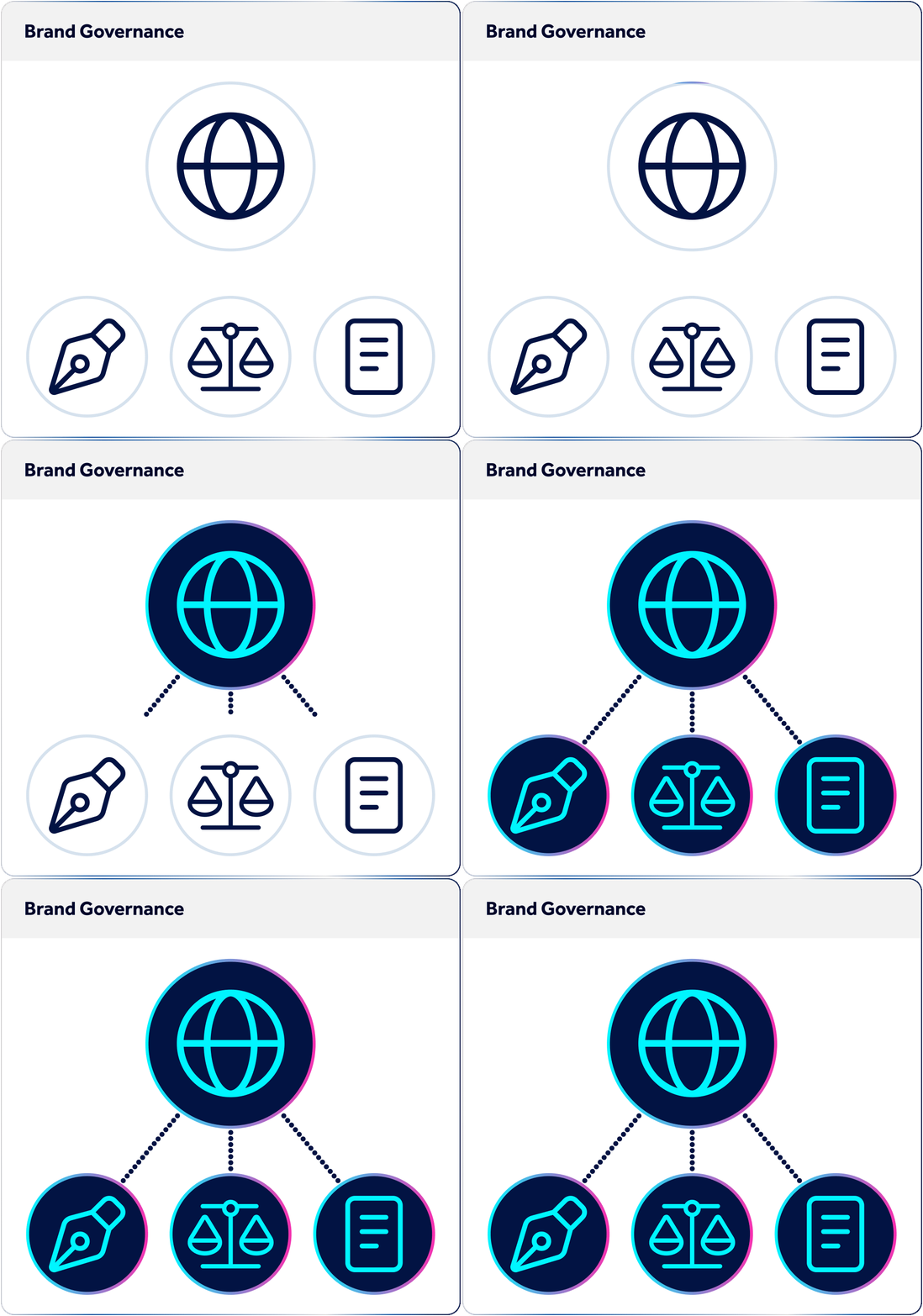
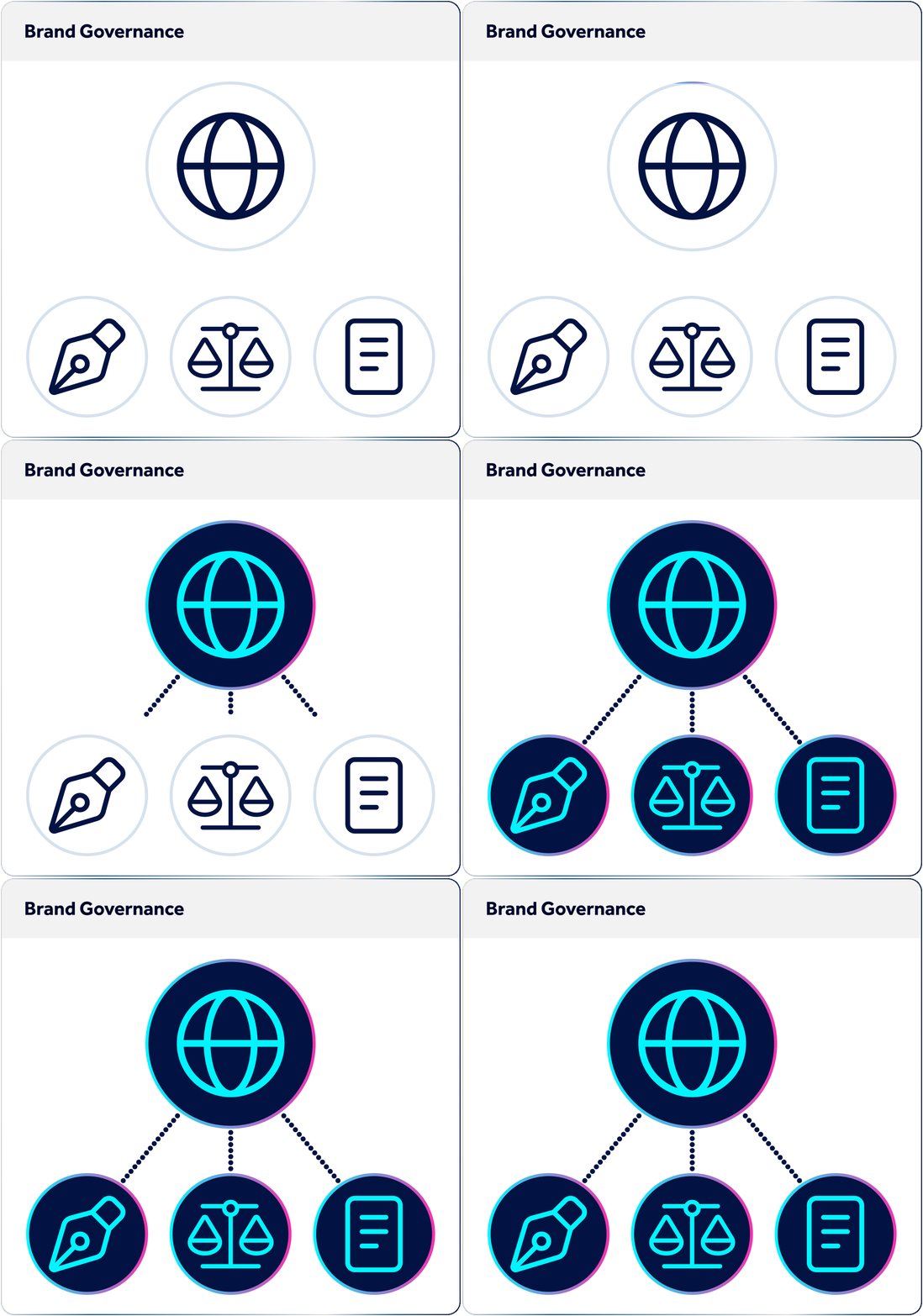
Firm Wide Brand Governance

Manage every firm template centrally from one place, so document production remains controlled before work reaches clients.

Version Management

One source of truth for every template, with full version control.

Multi Office Consistency

Consistency is applied at scale, without relying on individuals to remember or interpret standards. 

Central Template Control
Firm Wide Brand Governance
Version Management
Multi Office Consistency
Central Template Control
Firm Wide Brand Governance
Version Management
Multi Office Consistency
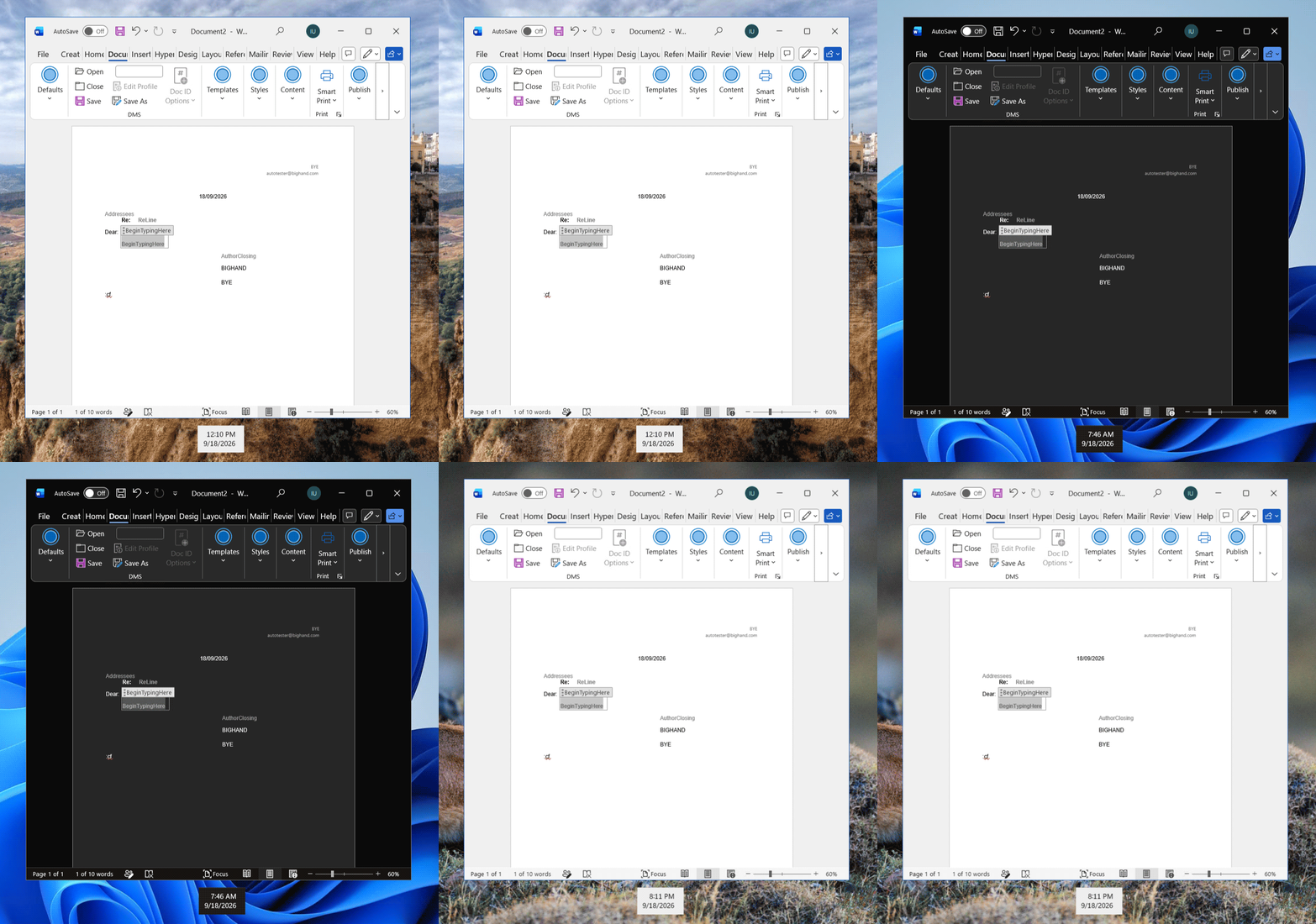
Microsoft Native Toolkit

Execute document production within Word without switching between systems. 

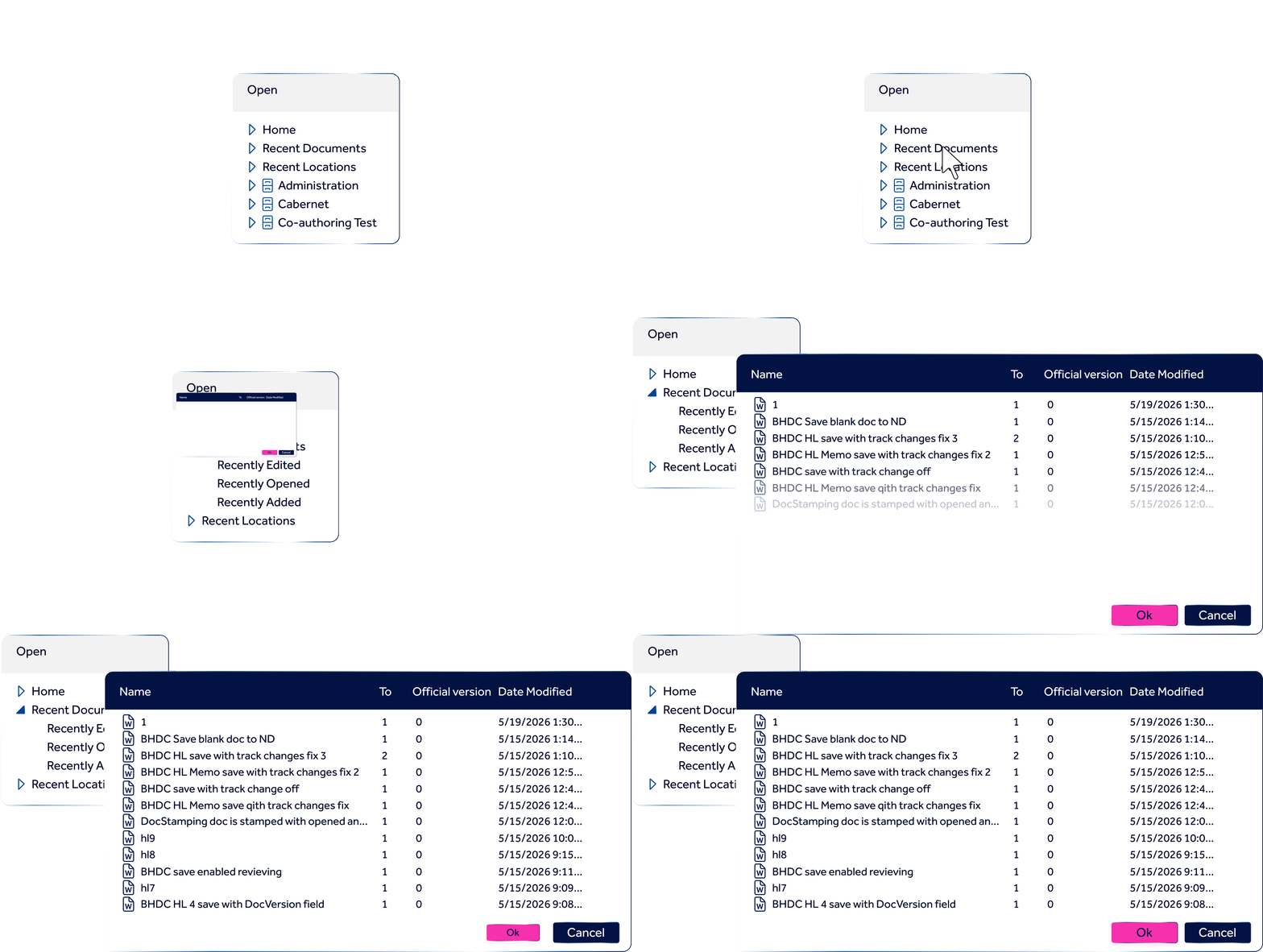
DMS Integrated Workflow

Documents are saved, retrieved, and updated with structure and compliance applied automatically. 

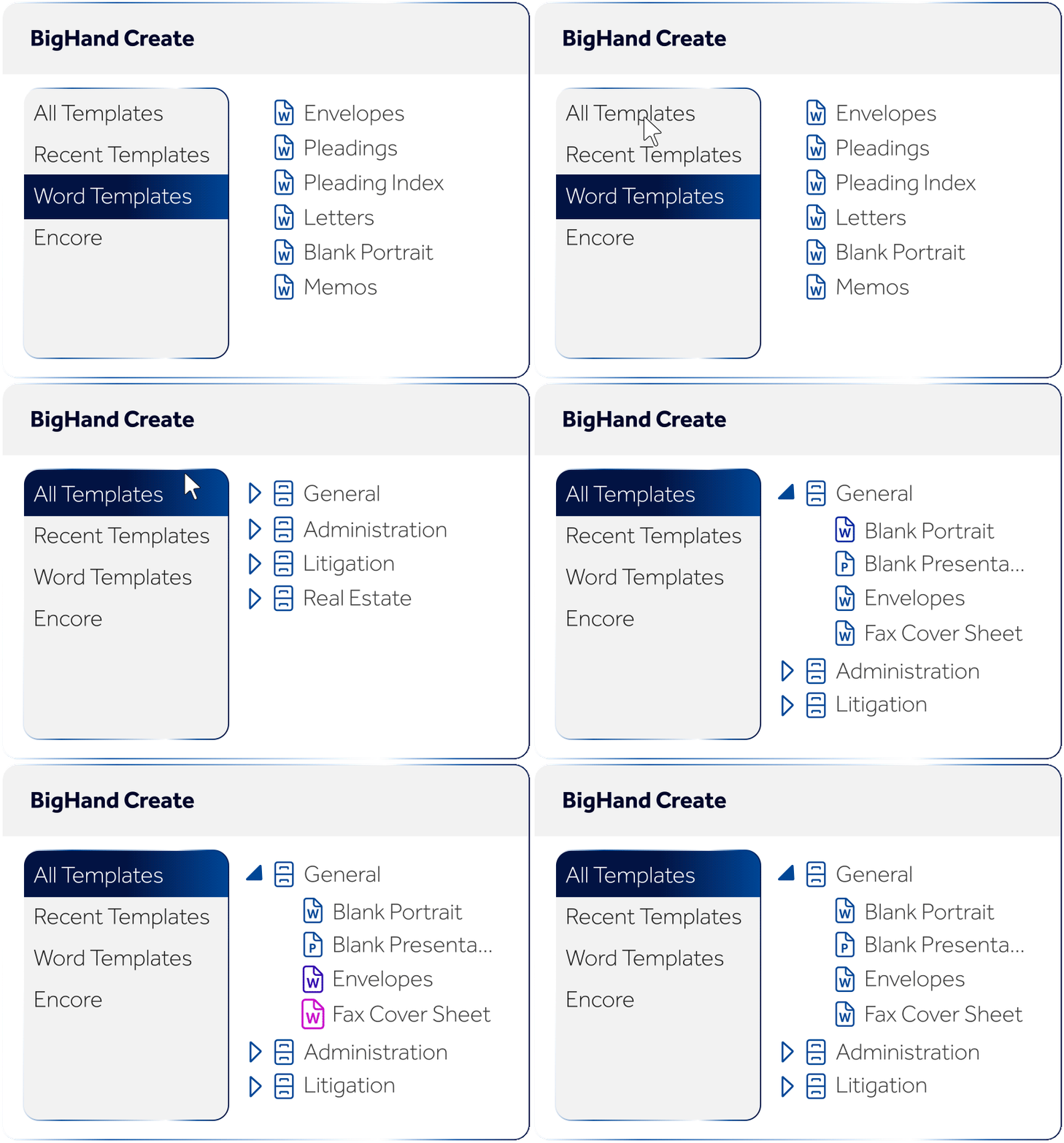
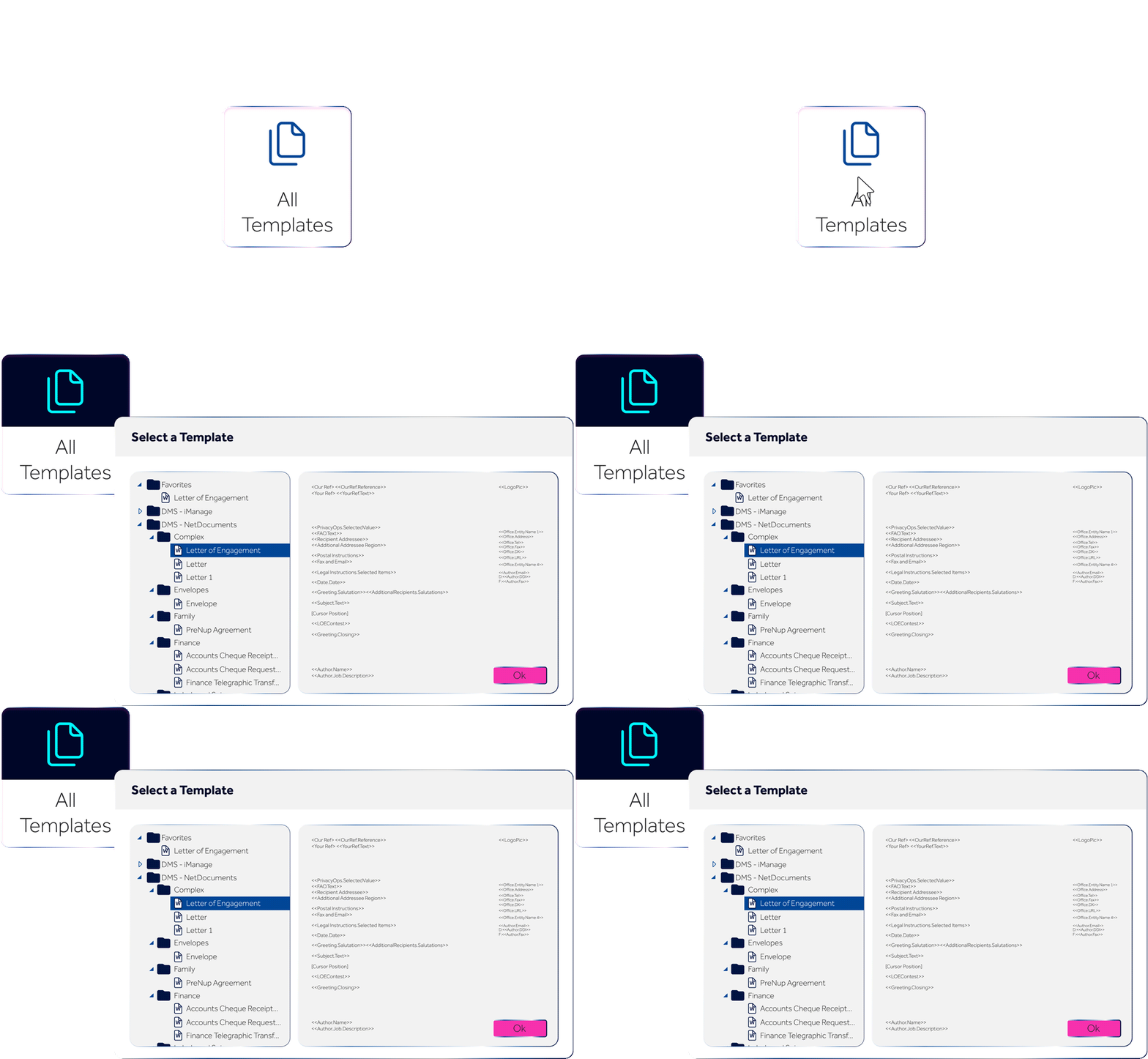
Pre-Approved Template Library

Firm-ready templates remove setup time and reduce rework before production begins. 

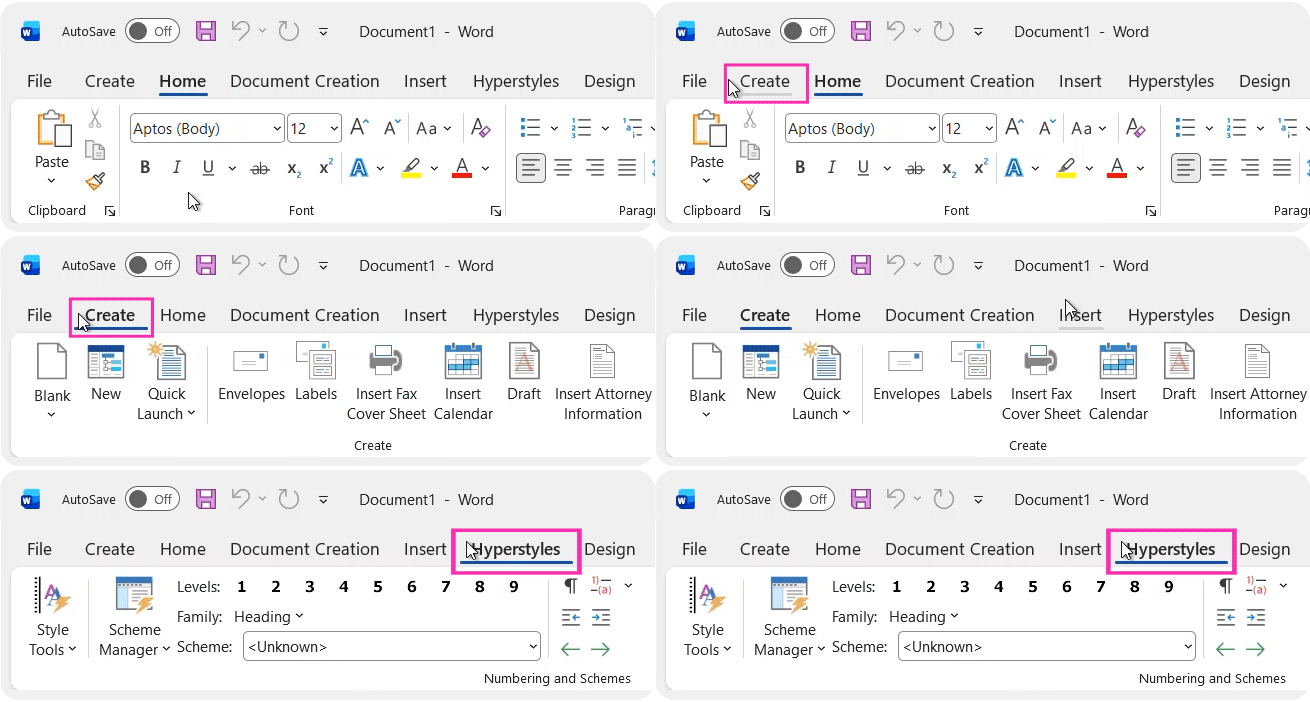
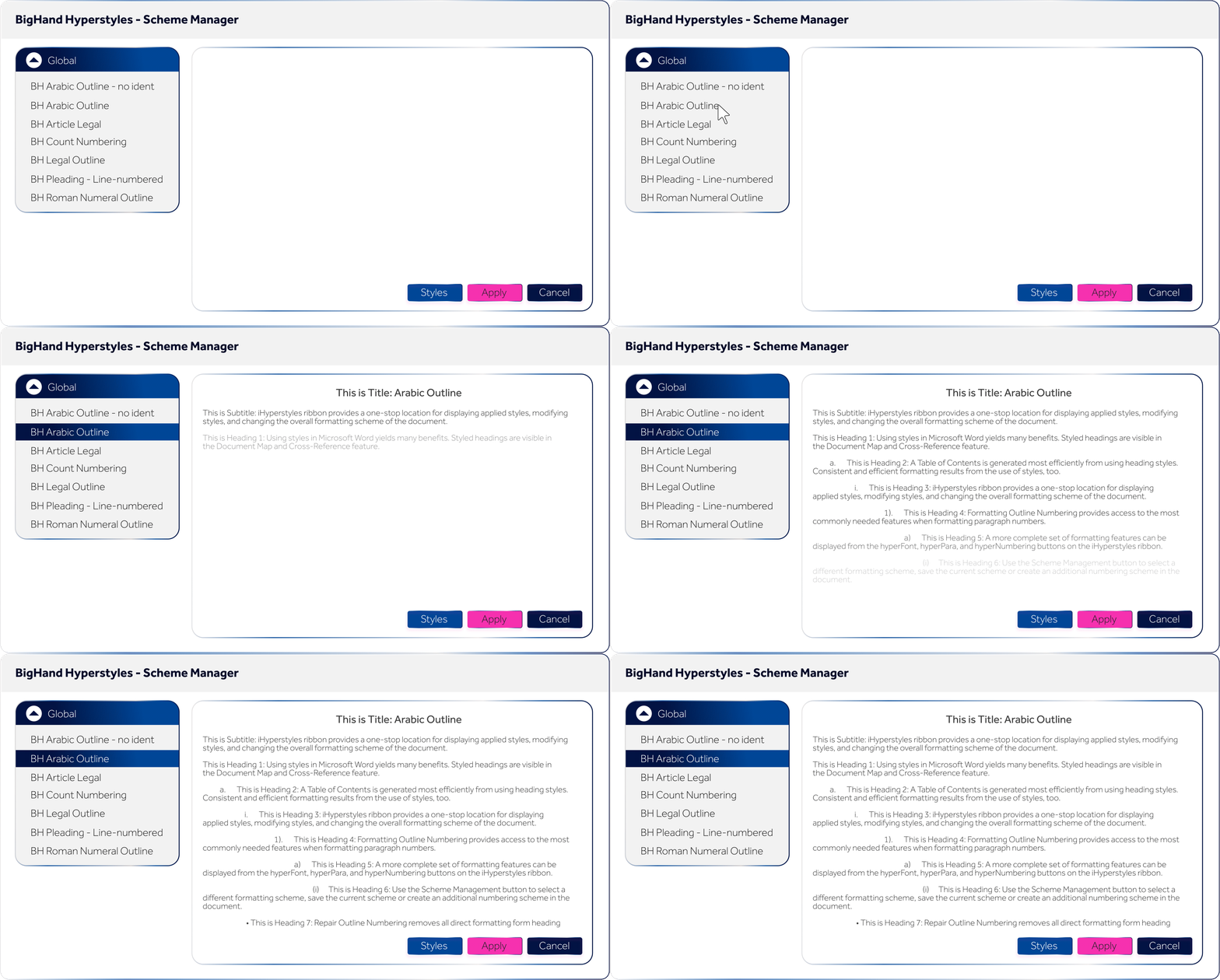
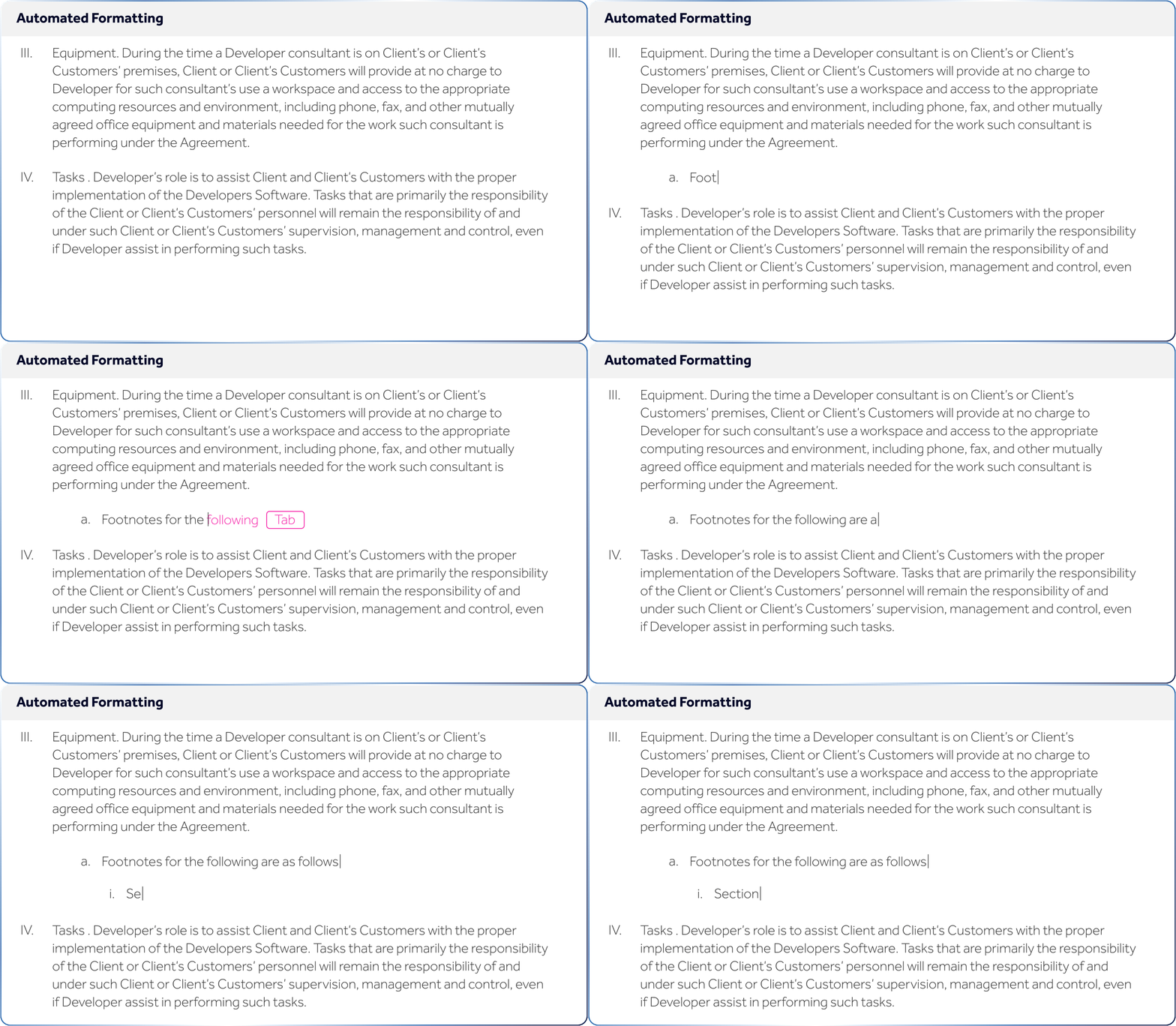
Automated Styling & Numbering

Format at pace and with accuracy from the first draft. 

Microsoft Native Toolkit
DMS Integrated Workflow
Pre-Approved Template Library
<p>Automated Styling &amp; Numbering</p>
Microsoft Native Toolkit
DMS Integrated Workflow
Pre-Approved Template Library
<p>Automated Styling &amp; Numbering</p>
Microsoft Native Deployment

Installs into the environment users already know to keep adoption high. 

Pre-built Integrations

DMS, PMS, CRM, and SQL connections delivered out of the box.

Business Configurable Available with template designer tools that aren't accessible in demo.
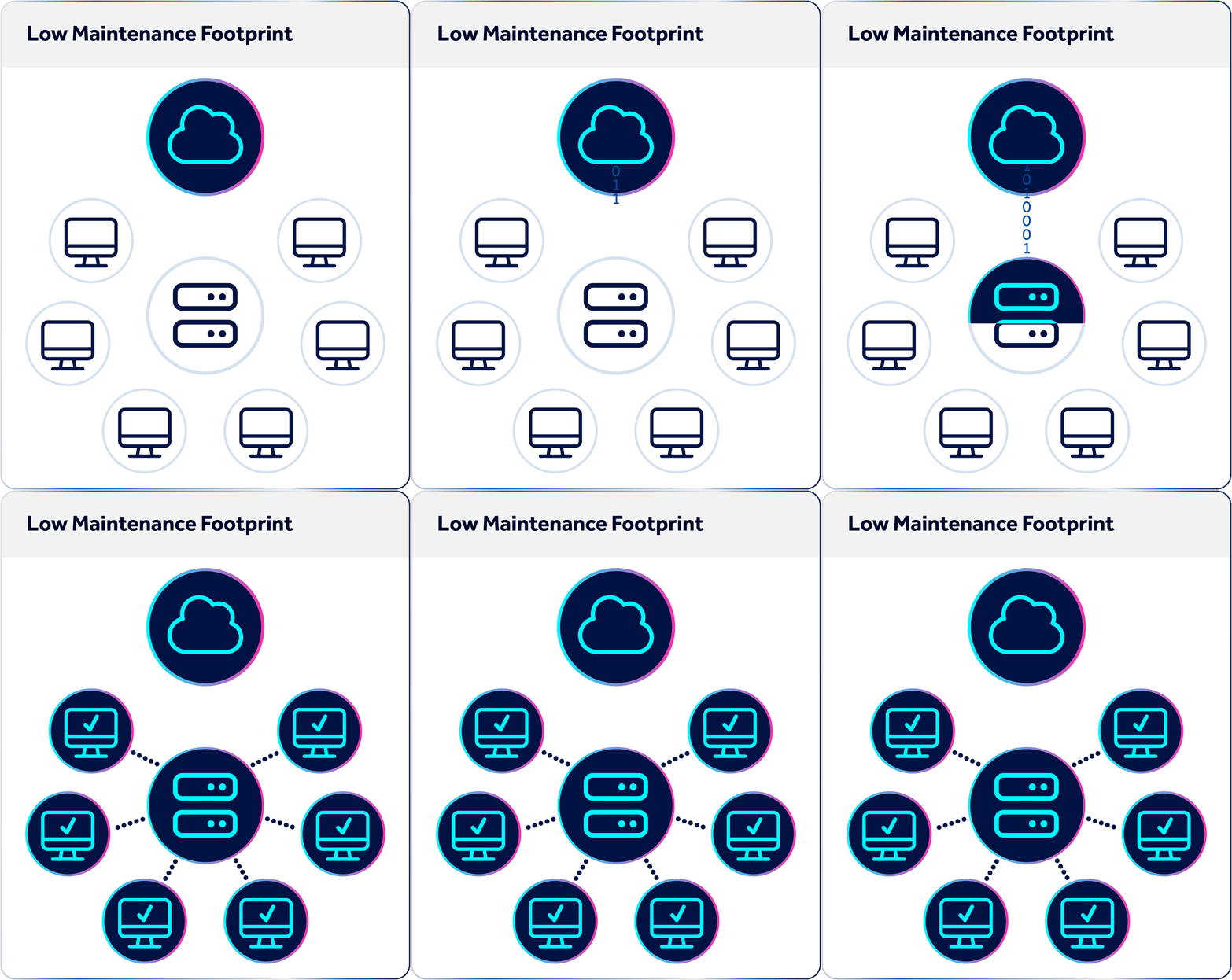
Low Maintenance Footprint

High adoption and low training keep ongoing support light.

Microsoft Native Deployment
Pre-built Integrations
Business Configurable
Low Maintenance Footprint
Microsoft Native Deployment
Pre-built Integrations
Business Configurable
Low Maintenance Footprint
Pre-Approved Templates

Every document starts compliant, removing uncertainty before work begins. 

Automated Formatting

No time lost to manual styling, even on complex documents.

Brand Compliant Output

Output reflects firm standards, regardless of who produces the document.  

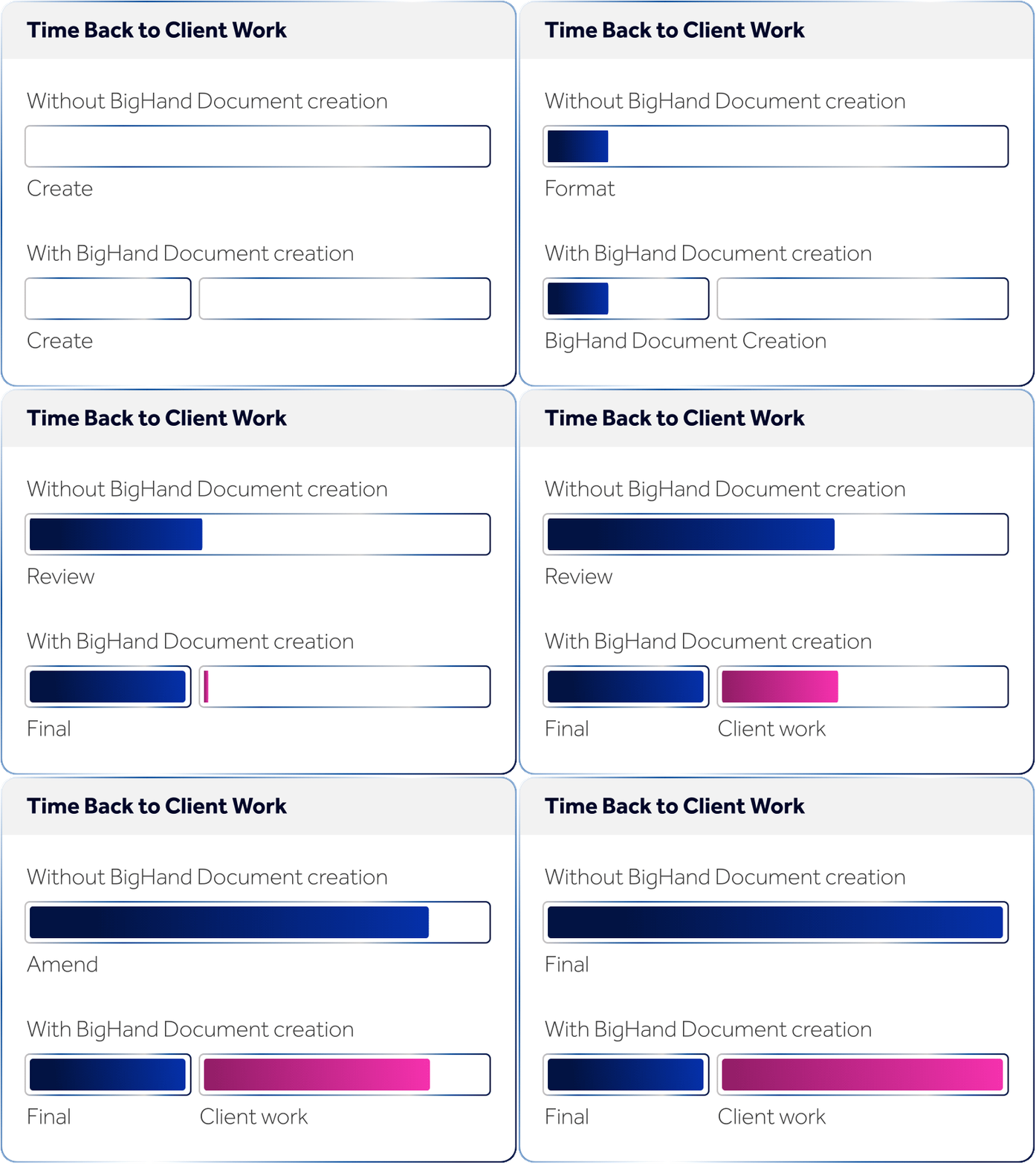
Time Back to Client Work

Admin minutes redirected to billable client work. 

Pre-Approved Templates
Automated Formatting
Brand Compliant Output
Time Back to Client Work
Pre-Approved Templates
Automated Formatting
Brand Compliant Output
Time Back to Client Work


How does BigHand Document Creation deliver value to your firm?

BigHand Document Creation applies operational intelligence to document production, removing hidden cost, reducing reputational risk and strengthening delivery consistency at firm scale.

Person outline with shield

Profitability protected

Admin time recovered and redirected to billable work.

Outline of person with plus sign

Client value grown

Documents reflect firm standards, building trust with consistent client service delivery.

Icon on performance

Performance unlocked

Compliant output firm-wide, no specialist support or extensive training.


Template Launcher Template Launcher
Court Pleading Templates Court Pleading Templates
Intuitive Ribbons Intuitive Ribbons
Super Copy and Super Paste Super Copy and Super Paste
Encore After the Fact Encore After the Fact
Advanced Styling Tools Advanced Styling Tools
Scheme Manager Scheme Manager
Section Tools Section Tools
Clean Up Tools Clean Up Tools
DMS and CMS Integration DMS and CMS Integration
Help Mode Help Mode
Optional Add On Features Optional Add-On Features


What law firms like yours say about BigHand Document Creation

How firm leaders, support teams and lawyers at leading firms are using BigHand Document Creation to protect brand quality and accelerate document production.

<h2>Wedlake Bell</h2>

Wedlake Bell

Wedlake Bell uses BigHand Document Creation to automate its engagement letter process, cutting first-draft time from 45 minutes to as little as 5, while bringing consistency and sophistication to every template across the firm. 

Read the case study
<h2>Burges Salmon</h2>

Burges Salmon

Burges Salmon replaced a decades-old bespoke system with BigHand Document Creation, giving lawyers a more reliable, consistent document process and cutting the complexity of ongoing template management. 

Read the case study
<h2>Becker &amp; Poliakoff</h2>

Becker & Poliakoff

Becker & Poliakoff chose BigHand Document Creation to standardize templates, clean up incoming documents, and ensure every file reflects the quality of the firm's work. 

Read the case study
<h2>Otten Johnson</h2>

Otten Johnson

Otten Johnson replaced an unstable document creation system with BigHand Document Creation, achieving a migration so smooth that leadership barely noticed it had happened. 

Read the case study
<h2>Wedlake Bell</h2>

Wedlake Bell

Wedlake Bell uses BigHand Document Creation to automate its engagement letter process, cutting first-draft time from 45 minutes to as little as 5, while bringing consistency and sophistication to every template across the firm. 

Read the case study
<h2>Burges Salmon</h2>

Burges Salmon

Burges Salmon replaced a decades-old bespoke system with BigHand Document Creation, giving lawyers a more reliable, consistent document process and cutting the complexity of ongoing template management. 

Read the case study
<h2>Becker &amp; Poliakoff</h2>

Becker & Poliakoff

Becker & Poliakoff chose BigHand Document Creation to standardize templates, clean up incoming documents, and ensure every file reflects the quality of the firm's work. 

Read the case study
<h2>Otten Johnson</h2>

Otten Johnson

Otten Johnson replaced an unstable document creation system with BigHand Document Creation, achieving a migration so smooth that leadership barely noticed it had happened. 
Read the case study


Frequently Asked Questions

General
Cost
Adoption
Implementation
Configuration
References
General

General

Q: What is BigHand Document Creation?

A: BigHand Document Creation is a full legal document solution consisting of template management, full document styling and formatting tools. Document Creation helps to increase productivity, efficiencies, and overall employee satisfaction.

Documents are the product of a law firm, and broadly what law firm clients pay for. Document Creation enables firms to collaborate with those inside and outside their organization with seamless tools and no conversions needed. Document Creation tools accelerate the production of perfectly formatted documents by any user within the organization, regardless of skill set presenting the correct law firm brand and styling externally, to set firms apart from the competition.

Q: Who uses BigHand Document Creation?

A: Document Creation is used by teams across the legal, healthcare, property, and financial services industries to increase productivity and efficiency, and also reduce the complexity when creating documents.

Within a law firm:-

  • Lawyers can partner with support staff or work independently with various productivity tools regardless of skillset with speed and ease, allowing them to focus on billable work.
  • Support Teams can collaborate quickly and effectively using various tools and utilities and share documents across the organization, seamlessly.
  • Marketing Teams can utilize custom templates to streamline RFP pitches and proposals, seamlessly enable the adherence to firm formatting and branding standards.
  • Firm Management can provide precedent documents and content and easily manage firm branding standards.

Microsoft Word is a very unwieldy place to spend time. BigHand Document Creation takes the complexity out of Word and gives power back to the users, empowering them to draft and finalise documents quickly, easily and without complications.

Cost/Pricing

Q: How does pricing work?

A: BigHand offers multiple pricing options based on your specific business requirements. Pricing is based on the number of licenses your firm needs, your desired level of access to our features and how you’d like to configure the solution to best fit your needs. To receive a custom quote, chat to a member of our team here.

Q: What tier is right for me?

A: Every business is unique and will require different features that address the business challenge they are trying to solve. The Document Creation tier structure ensures that you only pay for the features and functionality you need based on the business challenge you want to solve. View the features included in each tier in the table above, or chat to one of our product experts if you need more help choosing which tier is right for you.

Q: What Consultancy do you recommend?

A: BigHand, we pride ourselves on taking the time to listen and understand your requirements. We have a dedicated team of experts with vast industry expertise who can advise you.

Ease of Use/Adoption

Q: Do you offer training?

A: Yes! We have a dedicated team of software trainers to help get your teams as self-sufficient as possible, as quickly as possible. We also offer flexibility for you to choose what type of training you require and how much of it you need.

Q: How much training do users require?

A: BigHand Document Creation is designed with a seamless user experience in mind, meaning it’s easy to get your teams setup and using the software. In addition to any training sessions, you’ll also have 24/7 access to a range of training materials including our new Help Mode feature available with the latest release to help individuals across each of your departments harness the full power of the solution.

Q: How long does it take to get set up?

A: Users can be up and running in as little as 6 weeks, but exact timescales will depend on the scope of your project and your internal environment. For the majority of our clients, the project lifecycle (from the kick-off meeting to your users being fully onboarded) takes between 8-16 weeks.

Q. How do we ensure the tool is adopted effectively and what support will be available to us post project?

A: At BigHand, we do our best to work with clients pre-project to prepare end users for the implementation of new technology and process. 

Post project, our dedicated customer support team will be on hand for technical questions, and we also have dedicated experts in place, many with extensive sector knowledge, to ensure you adopt the tool in the best way to maximise efficiencies, underpin relevant processes and ultimately drive your project to success helping to achieve wider business objectives.

Implementation Process & Ongoing Support

Q: What is support like? Is there out of hours service?

A: 98% of our customers say they receive outstanding support from BigHand. Our award-winning technical services team provide 24/5 support to every customer via phone, email or our online support portal. Your Account and Solutions Managers are only ever a call away and are committed to ensuring you’re always getting the most from the software.

Read about what our customers are saying here.

Q: What are the security measures?

A: BigHand aims to be recognised as an organisation adhering to the highest level of Information Security best practice and have implemented a formal Information Security Management System (ISMS). The ISMS is formally managed, controlled, independently audited and certified to IS027001 and Cyber Essentials Plus.​

Find out more about how we keep your information secure here.

Q: What support do I need from my IT team?

A: IT resource will be required to help determine the scope of the project based on your environment and to assist with implementation.

Q: What resources do I need for the project?

A: Below are the roles we typically work with to get a project up and running. Depending on the scope of the project, 

some clients will choose to split these responsibilities across multiple stakeholders, while others may appoint one or two individuals to take on multiple roles. 


  • An Internal Project Manager to assist with scheduling resources 
  • An IT Lead that can work together with BigHand engineers to ensure a smooth installation 
  • Comms Lead to help with comms around the software roll-out 
  • Subject Matter Expert/BH Administrator to manage and adapt the software, post-project 
  • An Internal Trainer to help with onboarding staff and encourage adoption 
Q: How long does it take to set up BigHand Document Creation?

A: Users can be up and running in as little as 8 weeks, but exact implementation times will depend on the scope of your project and your internal environment. For the majority of our clients, implementation typically takes between 8-16 weeks.

Configuration

Q: Can you create templates and styles/numbering in-house?*

A: Yes! When you start your project, our product experts will work with you to design a bank of templates and configurable styles and numbering based on your internal preferences and standards, whilst training you on how to undertake these tasks yourself moving forward. Once setup, it’s easy for you to adapt and add to these as your business requirements evolve.

Q: How do I build the right templates and develop formatting standards?*

A: Our product experts will conduct a thorough assessment of your internal document workflow and processes, and what you’re looking to achieve and incorporate this into the design of your templates and formatting standards to ensure document formatting consistencies, marketing compliance when necessary and quick turnaround for document edits.

Customer Success / References

Q: Do you have client references?

A: Yes! You can read case studies from customers of all shapes and sizes here.