






Support work still moves through many law firms via shared inboxes and manual delegation, creating bottlenecks that slow client service and leak margin. BigHand Workflow Management brings intelligence before allocation decisions, giving firms visibility into demand, capacity, and cost to automatically route work to the right resource.
See how BigHand Workflow Management surfaces intelligence before allocation. Support work is routed to the right resource in under two minutes, while real-time visibility into demand, capacity and performance helps firms improve turnaround times, prevent bottlenecks and shape support team structures.
See how BigHand Workflow Management works for operations leadership, support teams, and lawyers.
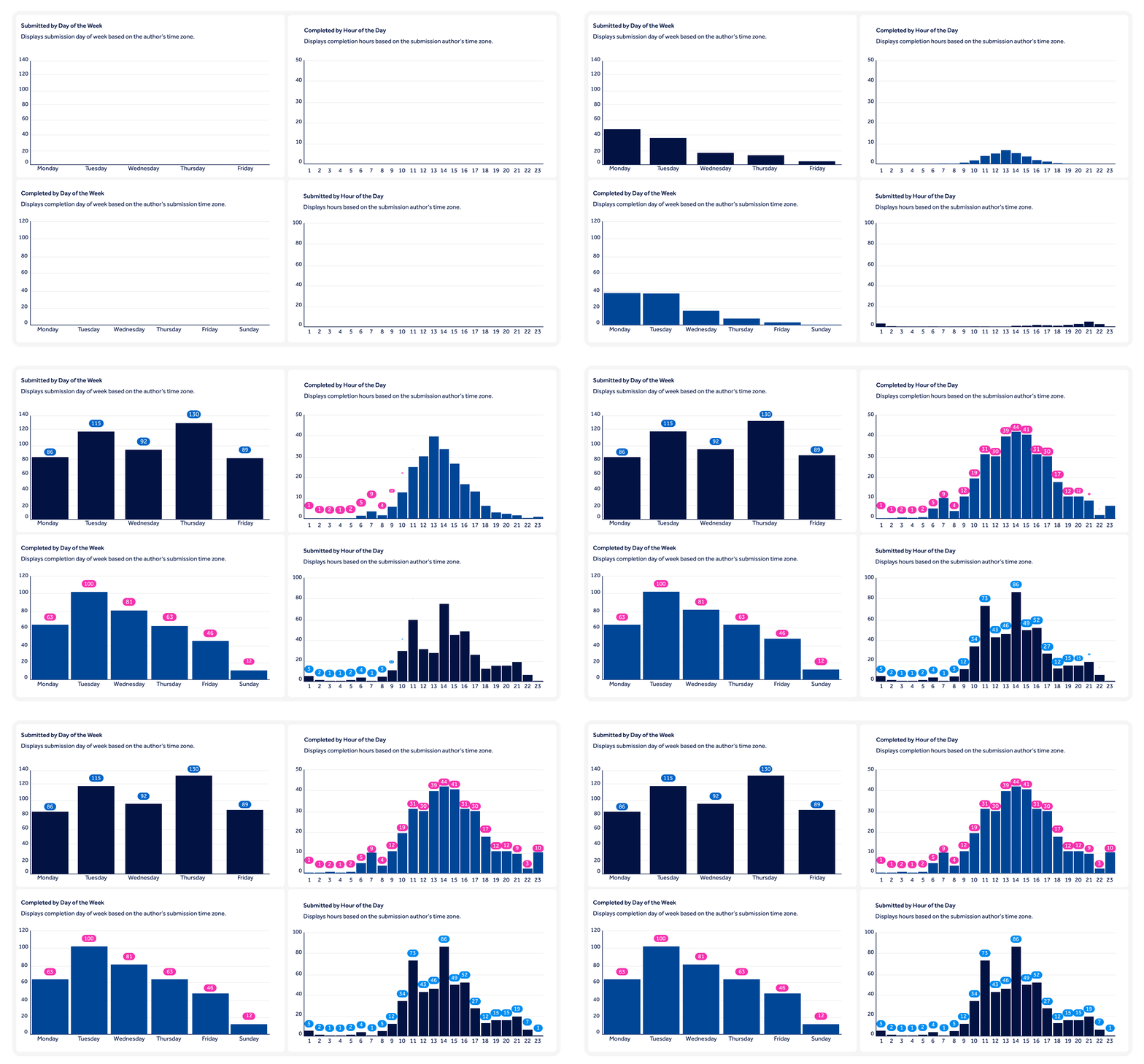
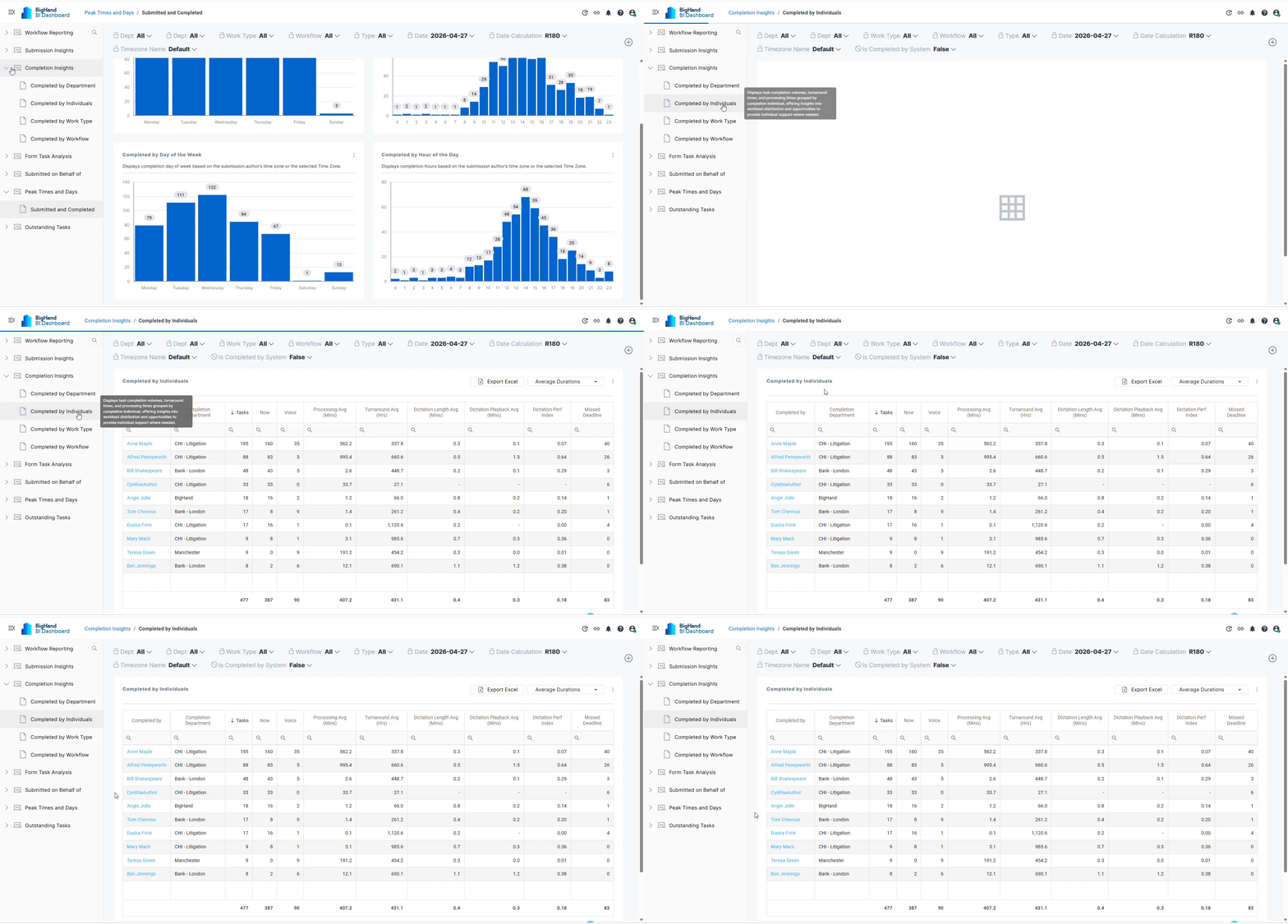
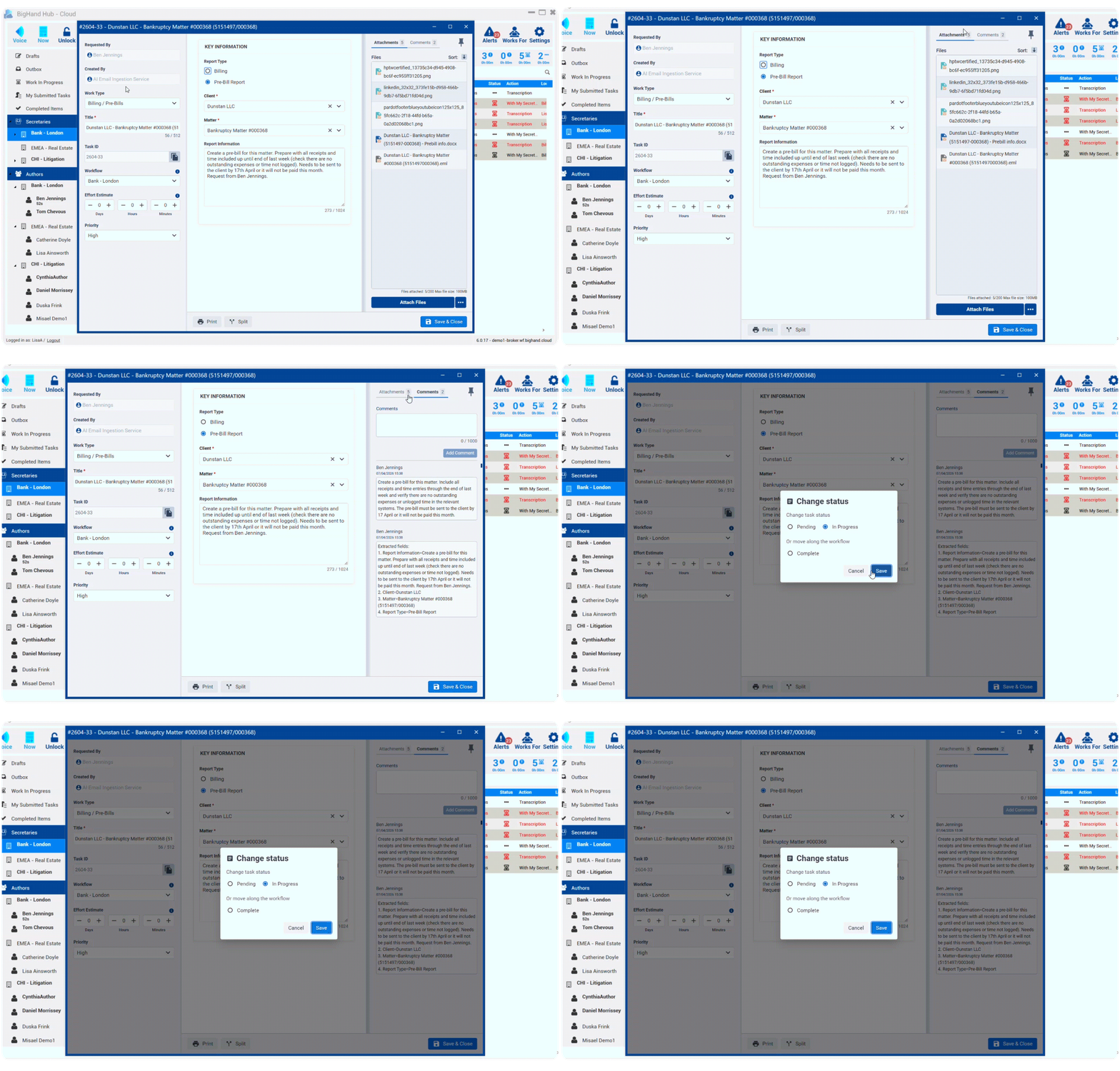
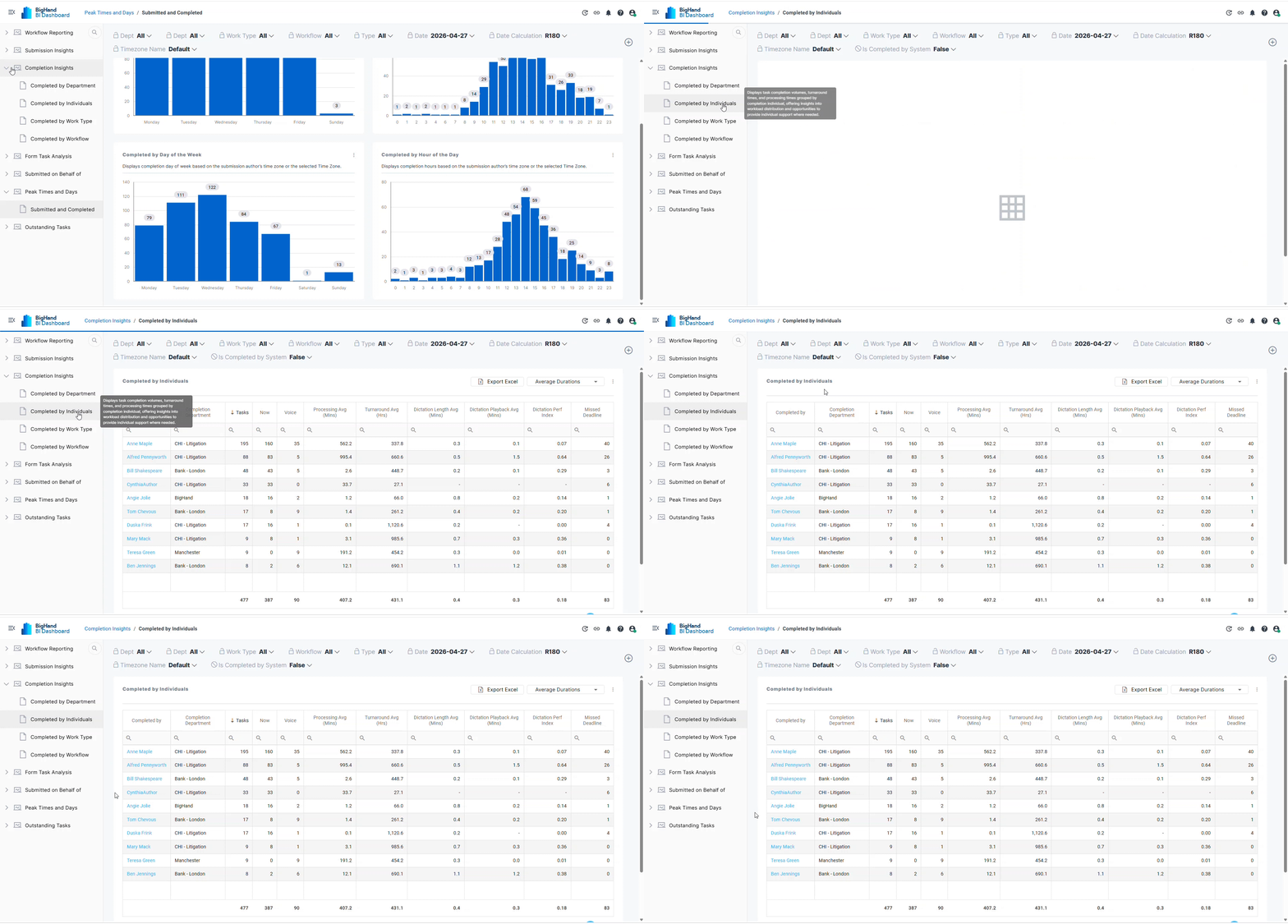
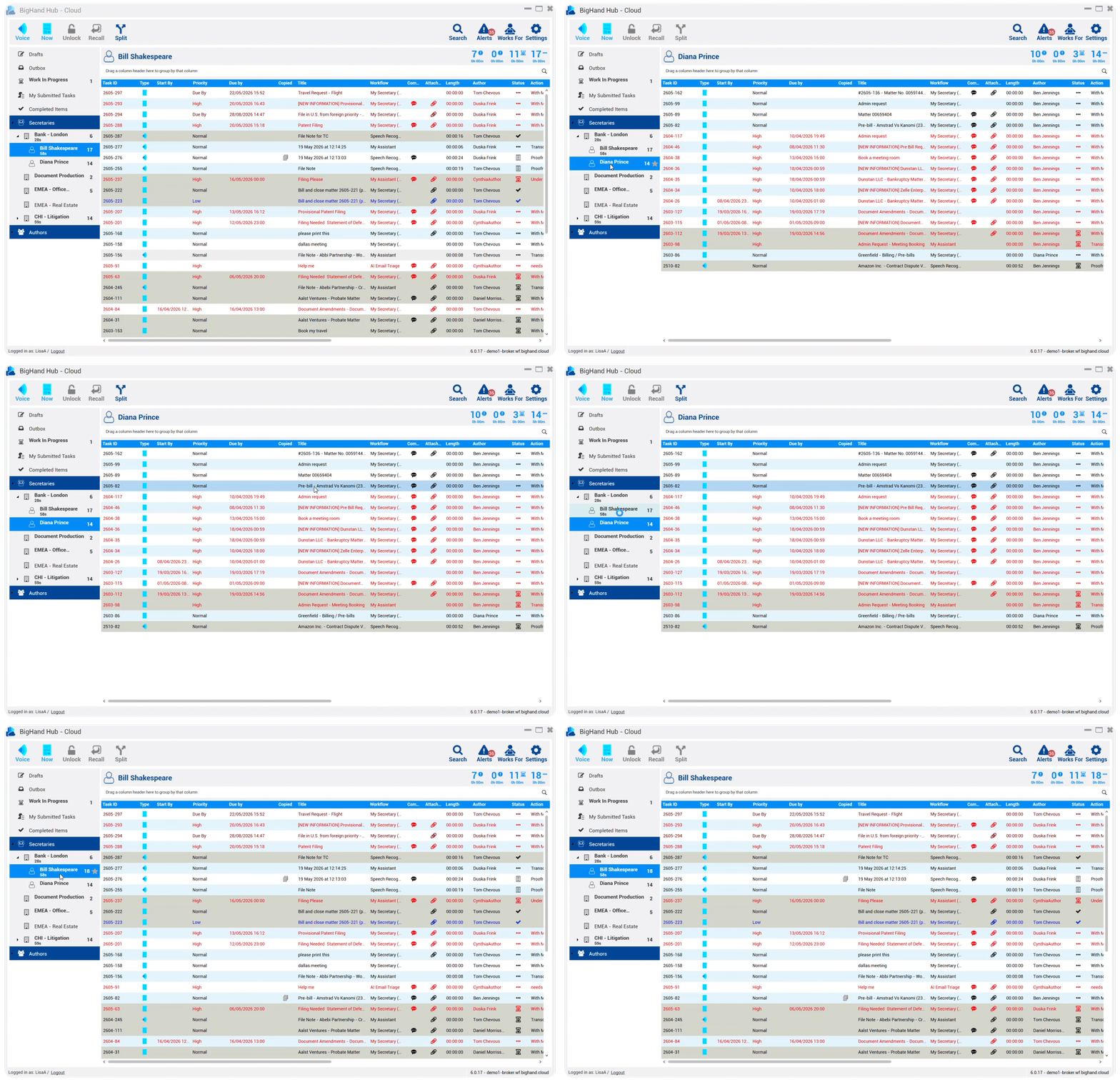
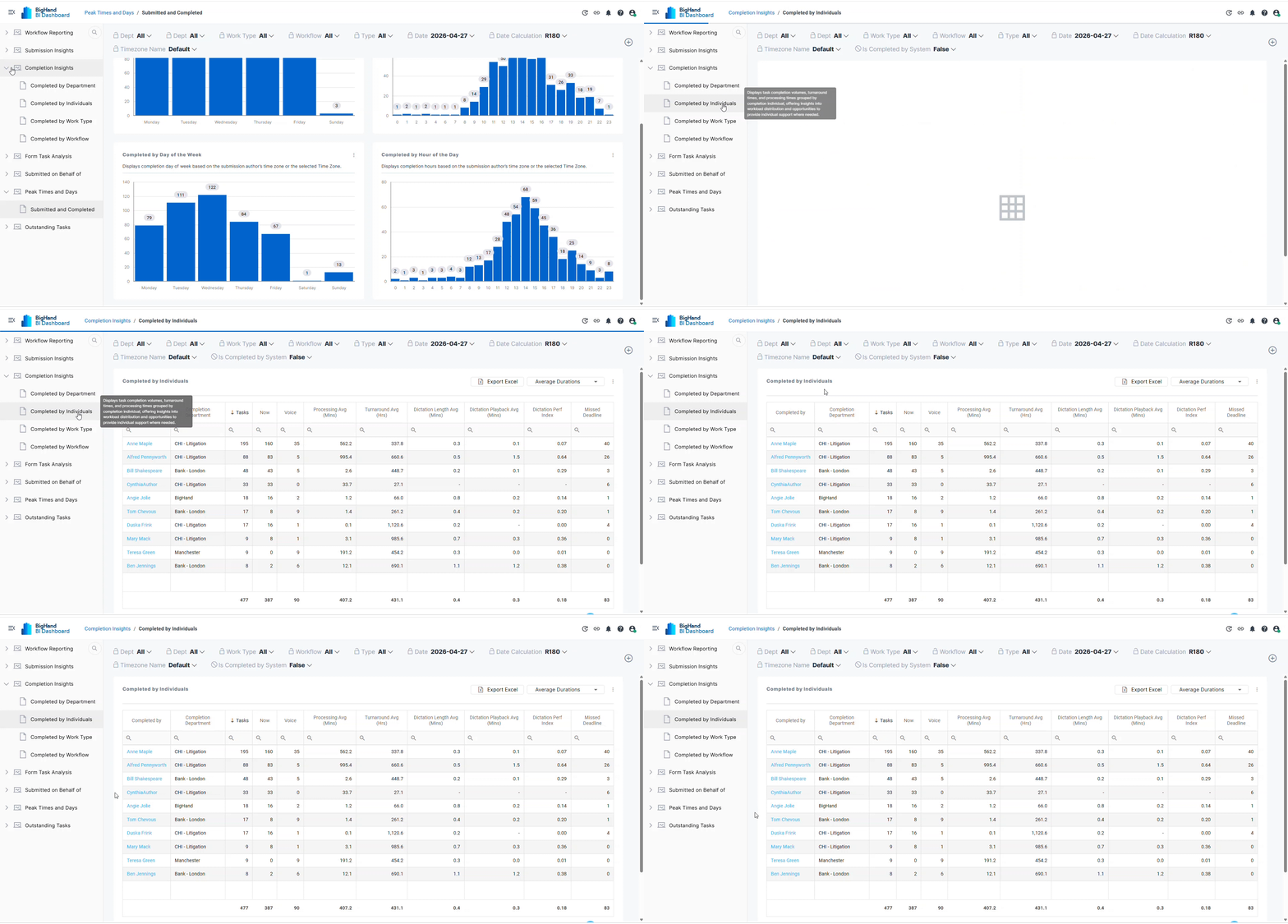
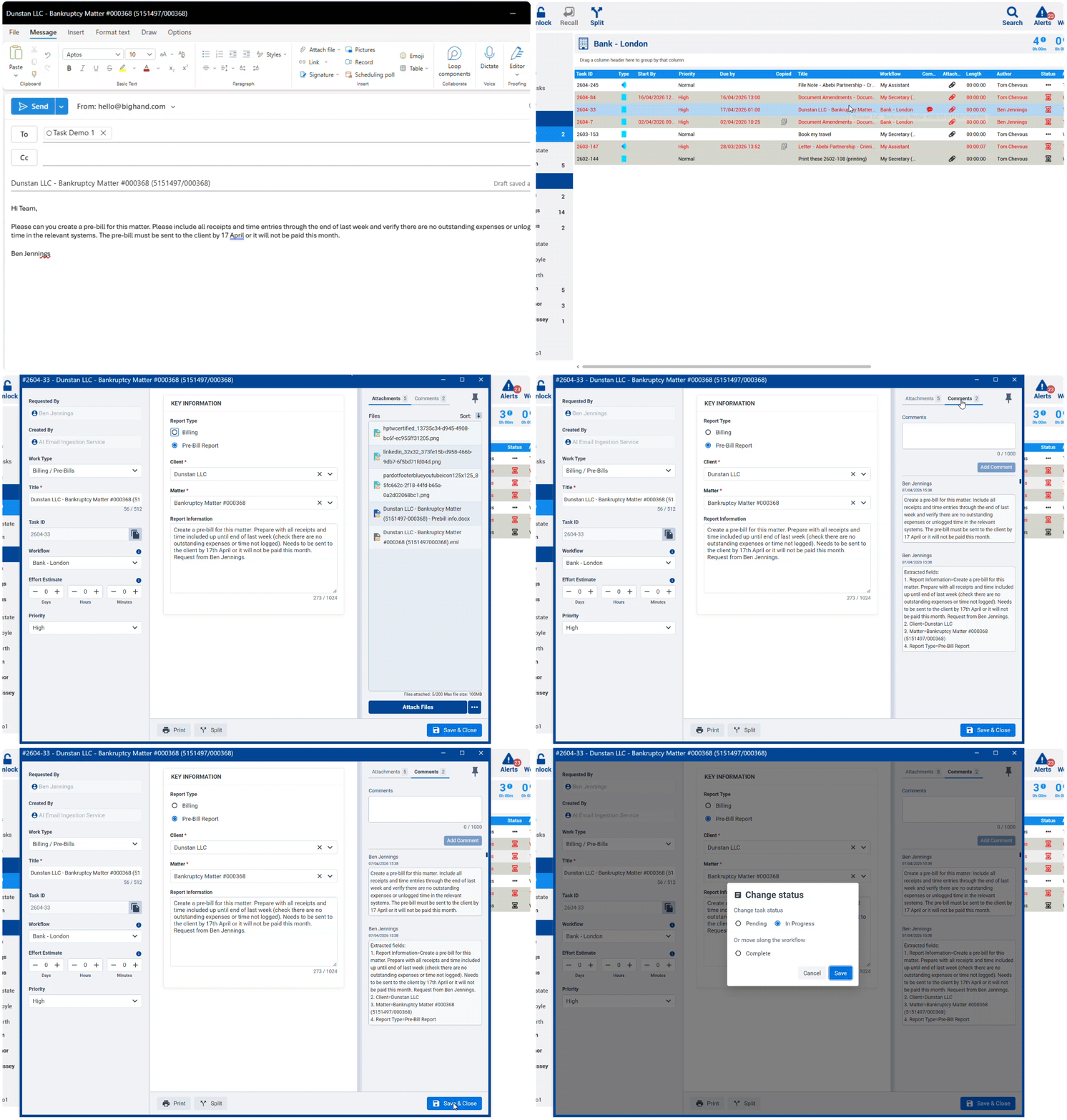
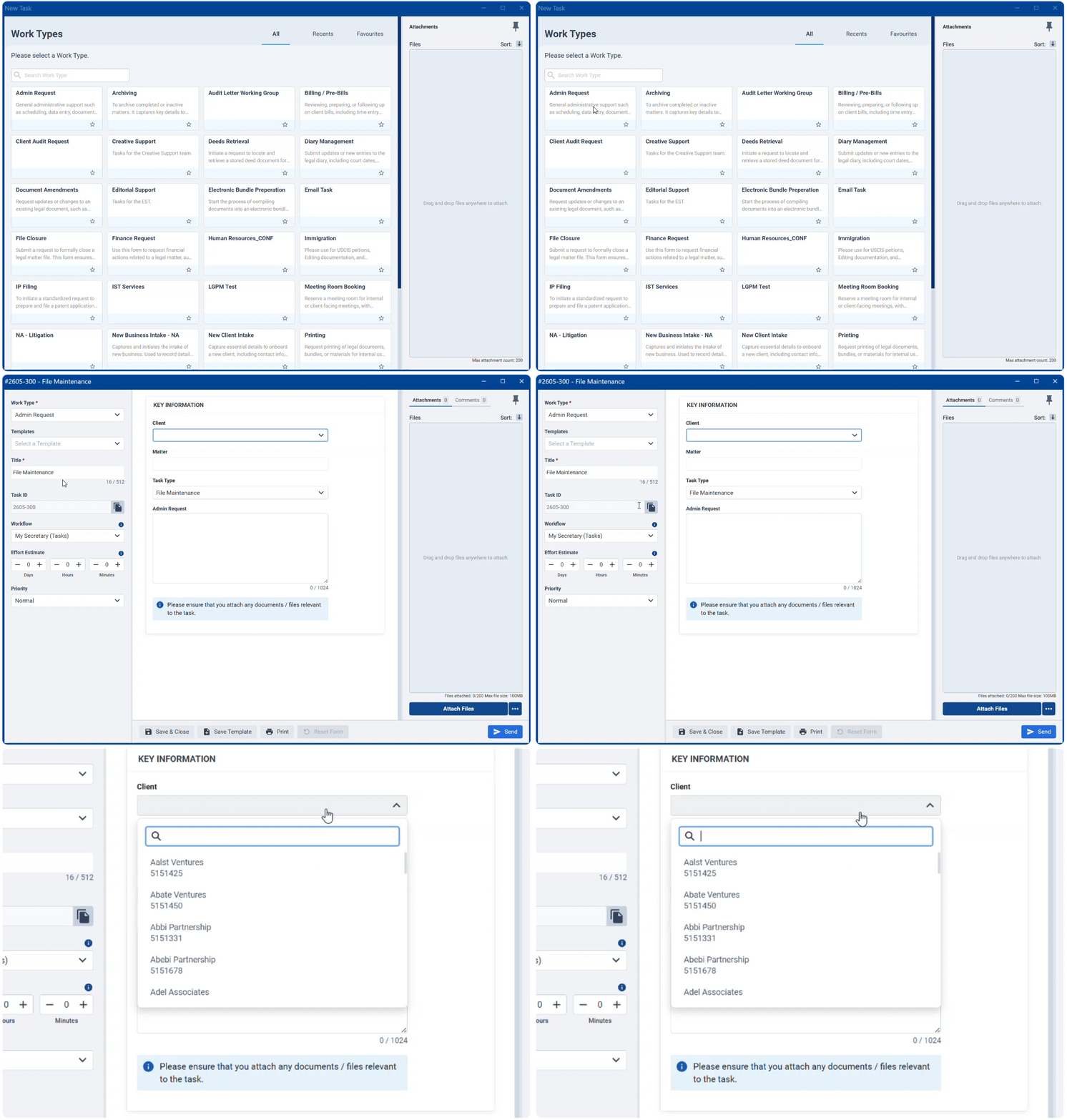
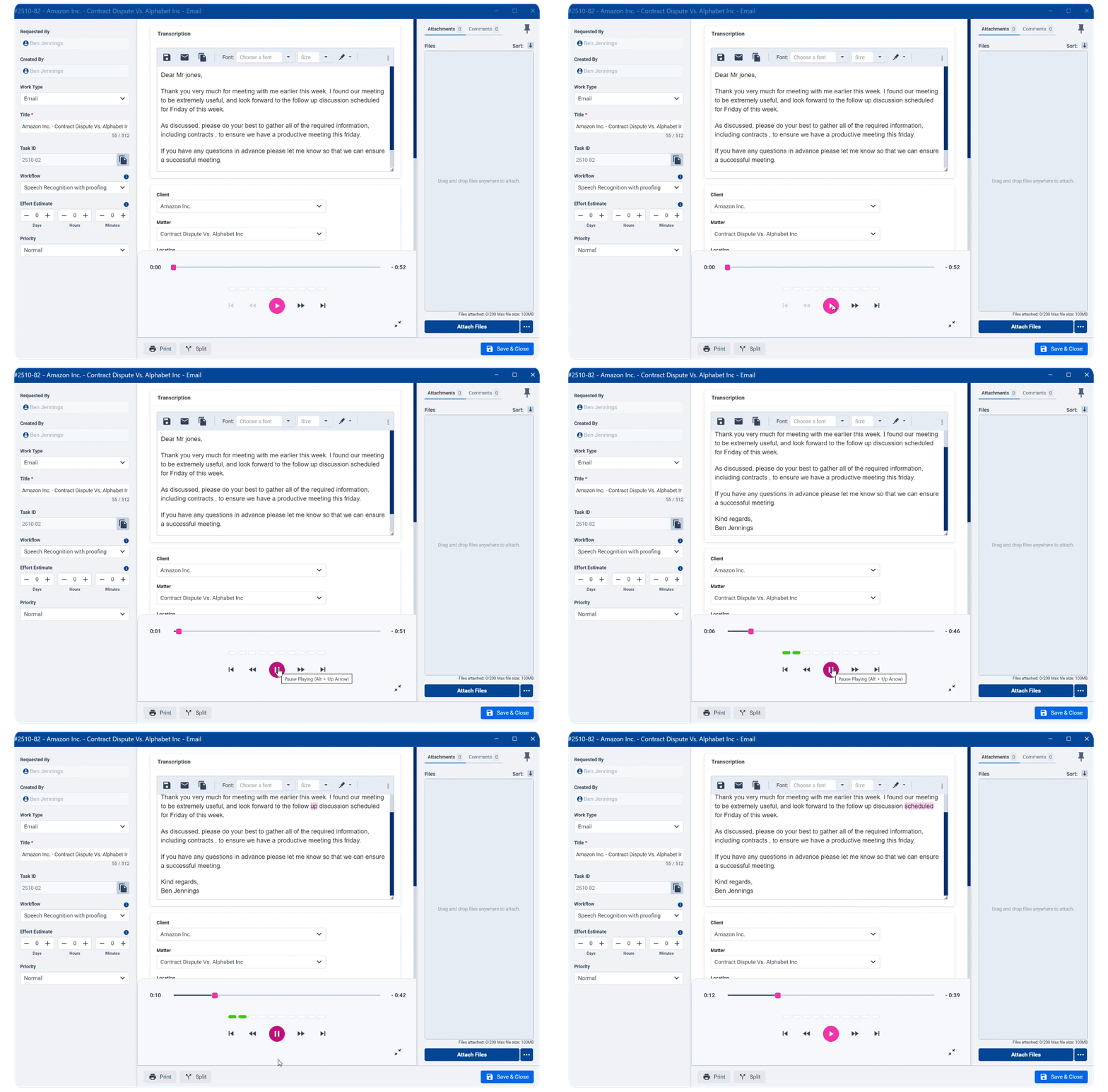
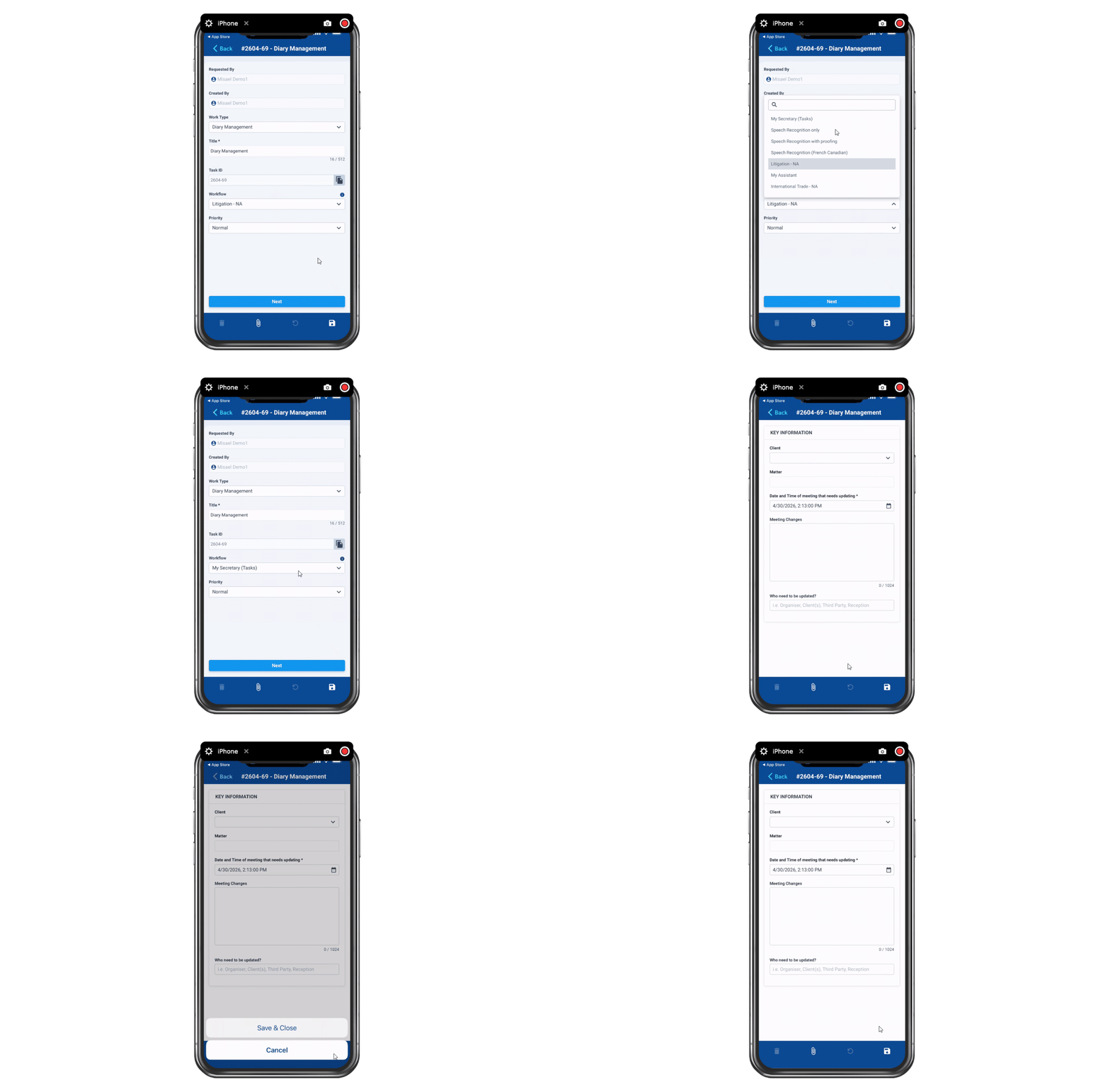
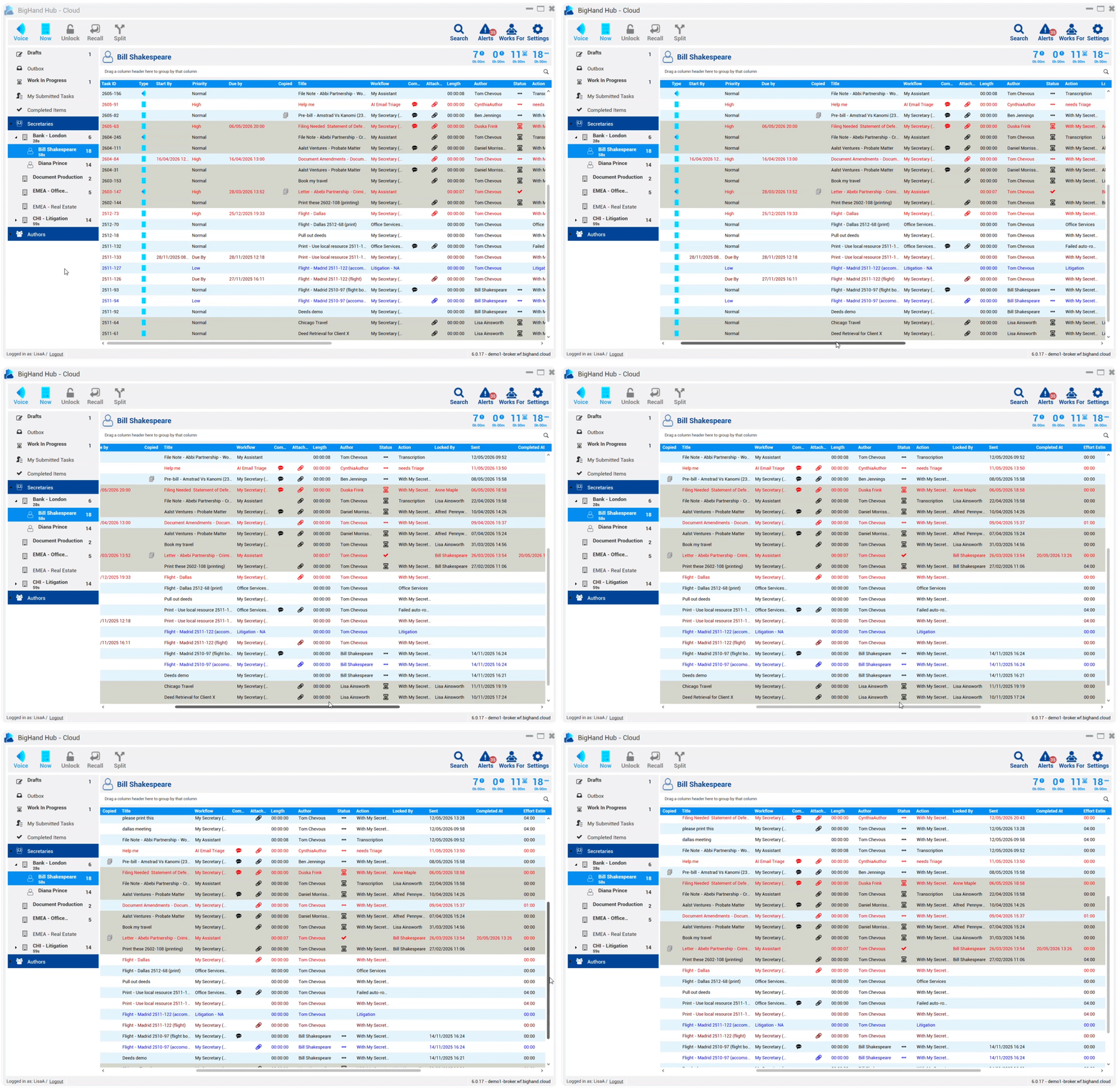
BigHand Workflow Management brings intelligence into legal support operations before work is allocated, helping firms improve performance, protect lawyer time, and deliver greater client value.

Profitability protected
Lawyer hours are protected from admin and redirected to billable client work.

Client value grown
Faster turnaround on support tasks means quicker response to clients.

Performance unlocked
Allocate with live intelligence for sustained performance.
 AI Email Routing AI Email Routing Intelligent Task Routing Intelligent Task Routing Configurable Task Forms Configurable Task Forms Task Locking Task Locking Cross-Team Work Sharing Cross-Team Work Sharing Automatic Time Recording Automatic Time Recording Live Task Tracking Live Task Tracking |
 Process & Utilization Reporting Process & Utilization Reporting Capacity Management Dashboard Capacity Management Dashboard Service Model Analytics Service Model Analytics Digital Dictation Digital Dictation Mobile & Desktop Submission Mobile & Desktop Submission Audit Trail and Governance Audit Trail and Governance |
Real results from firms using BigHand Workflow Management to improve support delivery and protect billable time.
reduction in turnaround time on support tasks.
reduction in transcription time.
saved per fee earner per year by routing support work through the system.
Law firms use BigHand Workflow Management to bring intelligence into support work allocation and execution, improving visibility, consistency and delivery across support services.

Barry Nilsson optimizes workflows and enhances client service by migrating to BigHand Workflow Management Cloud, as the firm experienced rapid growth.

Charles Russell Speechlys replaces manual task delegation with BigHand Workflow Management, cutting average turnaround time from 99 hours to 18, while unifying support functions across the firm.

Dickinson Wright uses BigHand Workflow Management to centralize back-office operations and build resilience against rising support staff attrition.

Holland & Hart uses BigHand Workflow Management to bring visibility and structure to task delegation across lawyers and legal assistants.
Barry Nilsson optimizes workflows and enhances client service by migrating to BigHand Workflow Management Cloud, as the firm experienced rapid growth.
Charles Russell Speechlys replaces manual task delegation with BigHand Workflow Management, cutting average turnaround time from 99 hours to 18, while unifying support functions across the firm.
Dickinson Wright uses BigHand Workflow Management to centralize back-office operations and build resilience against rising support staff attrition.
Holland & Hart uses BigHand Workflow Management to bring visibility and structure to task delegation across lawyers and legal assistants.
BigHand’s award-winning workflow software |
  |


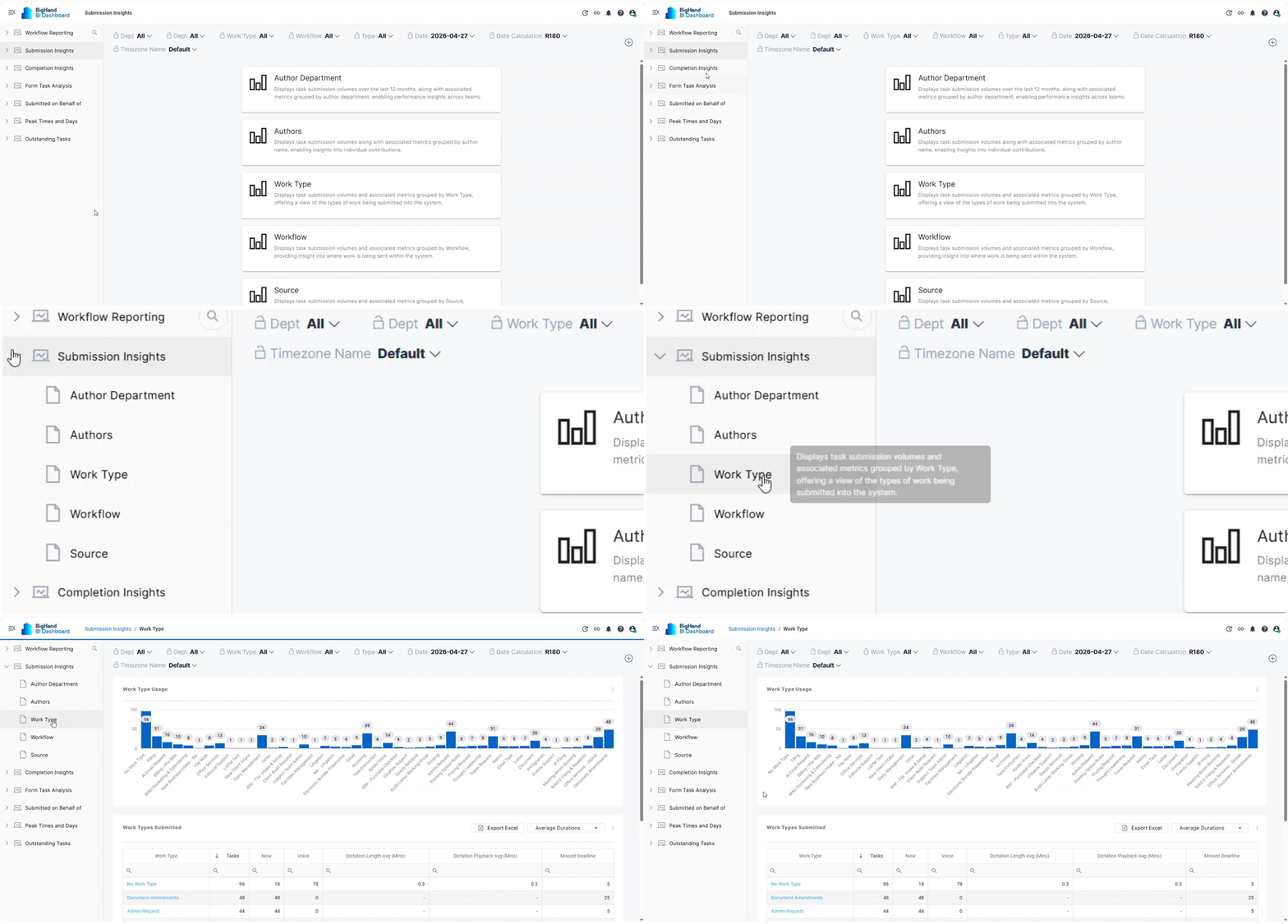
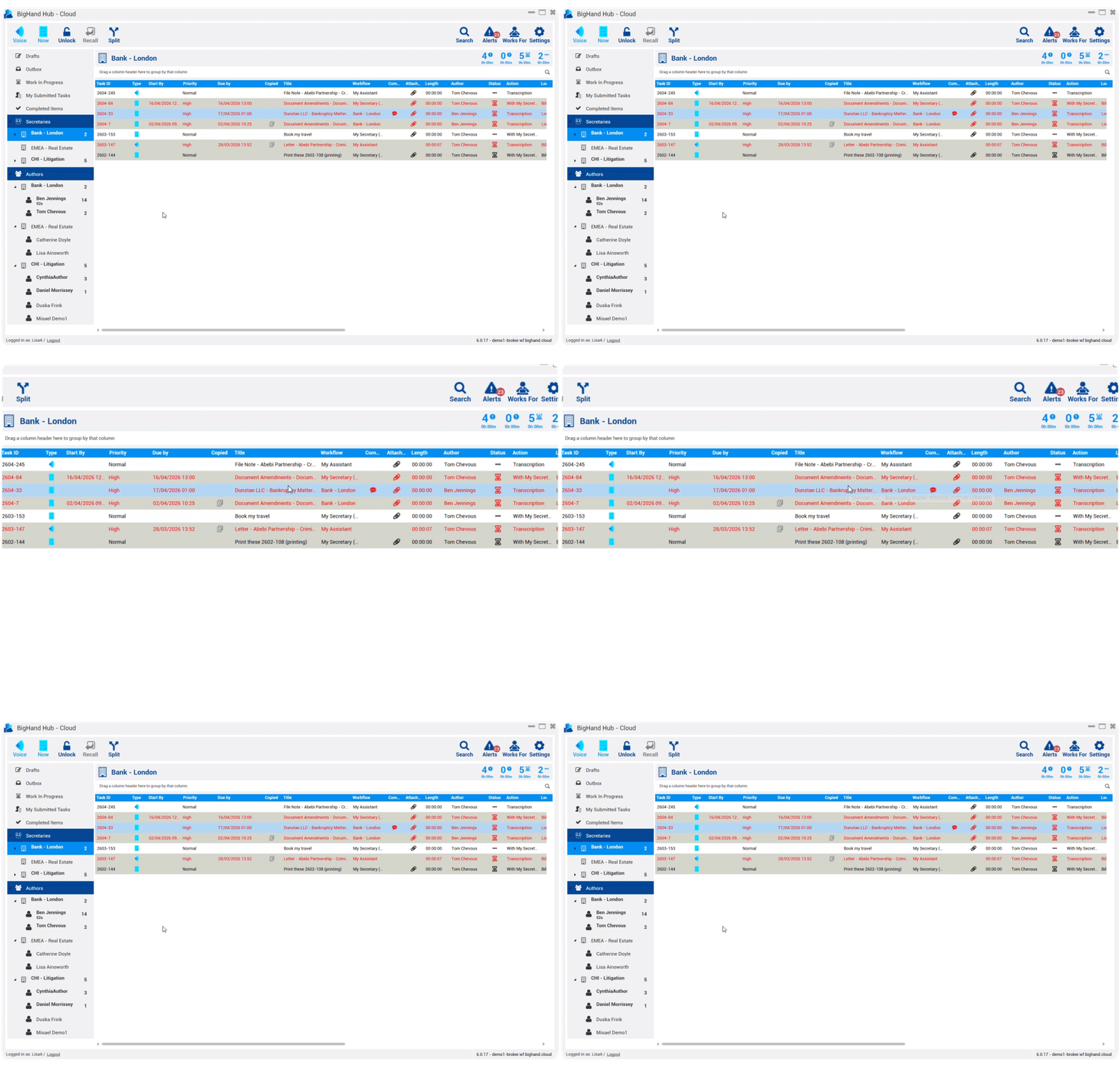
A: BigHand Workflow Management is a task delegation solution that allows any type of legal support work to be automatically routed to the right support person or team meaning the work is completed at the right level, by a person with the right skills to turn it around in the shortest amount of time, and meaning the work is done at the right cost to the firm. Output reports can be used by management for visibility of key metrics like volumes and types of work submitted by team, capacity and utilisation of support staff, which enables informed resourcing and recruitment decisions.
Workflow Management enables firms to support office, hybrid and flexible working, enhance employee development & retention programmes and accelerate digital transformation strategies, whilst maintaining and increasing profitability across the firm.
A: Workflow Management is used by teams across the legal, healthcare, property and financial services industries to bring visibility to work that was otherwise undercover often in email making it difficult to manage. By having everything in one system increases productivity, decreases turnaround and improves the speed at which work is returned to lawyers, and clients.
Within a law firm:-
A: BigHand offers multiple pricing options based on your specific business requirements. Pricing is based on the number of licenses your firm needs, your desired level of access to our features and how you’d like to configure the solution to best fit your needs. To receive a custom quote, chat to a member of our team here.
A: Every business is unique and will require different features that address the business challenge they are trying to solve. The Workflow Management tier structure ensures that you only pay for the features and functionality you need. View the features included in each tier in the table above, or chat to one of our product experts if you need more help choosing which tier is right for you.
A: BigHand, we pride ourselves on taking the time to listen and understand your requirements. We have a dedicated team of experts with vast industry expertise who’ll create a consultancy package tailored just for you.
We offer a range of consultancy options - from getting the software seamlessly installed and available to users, training to help you get the most out of the software through to helping you maximise success and your return on investment.
A: Yes! We have a dedicated team of software trainers to help get your teams as self-sufficient as possible, as quickly as possible. We also offer flexibility for you to choose what type of training you require and how much of it you need which includes 121 training, online webinars and product training videos giving you flexibility.
A: BigHand Workflow Management is designed with a seamless user experience in mind, meaning it’s easy to get your teams setup and using the software. In addition to any training sessions, you’ll also have 24/7 access to a range of training materials to help individuals across each of your departments harness the full power of the solution.
A: Users can be up and running in as little as 6 weeks, but exact timescales will depend on the scope of your project and your internal environment. For most of our clients, the project lifecycle (from the kick-off meeting to your users being fully onboarded) takes between 6-12 weeks.
A: At BigHand, we do our best to work with clients pre-project to prepare end users for the implementation of new technology and process and align and configure to solution to fit your structure.
Post project, our dedicated customer support team will be on hand for technical questions, and we also have dedicated experts in place, many with extensive sector knowledge, to ensure you adopt the tool in the best way to maximise efficiencies, underpin relevant processes and ultimately drive your project to success helping to achieve wider business objectives.
At BigHand we also have a dedicated Customer Success team. Their responsibilities will include referring back to your original objectives to ensure these are being met, whilst also working closely on communications and messaging types for different users, analysing key usage and adoption data, updating you on key development and ensuring the continued success of the software at your firm.
A: 98% of our customers say they receive outstanding support from BigHand. Our award-winning technical services team provide 24/5 support to every customer via phone, email or our online support portal. Your Account and Solutions Managers are only ever a call away and are committed to ensuring you’re always getting the most from the software.
Read about what our customers are saying here.
A: BigHand aims to be recognized as an organization adhering to the highest level of Information Security best practice and have implemented a formal Information Security Management System (ISMS). The ISMS is formally managed, controlled, independently audited and certified to IS027001 and Cyber Essentials Plus.
A: IT resource will be required to help determine the scope of the project based on your environment and to assist with implementation.
A: Below are the roles we typically work with to get a project up and running. Depending on the scope of the project,
some clients will choose to split these responsibilities across multiple stakeholders, while others may appoint one or two individuals to take on multiple roles.
A: Users can be up and running in as little as 6 weeks, but exact implementation times will depend on the scope of your project and your internal environment. For most of our clients, implementation typically takes between 6-12 weeks.
A: Yes! When you start your project, our product experts will work with you to design a bank of Forms and configurable Workflows based on your internal processes. Once setup, it’s easy for you to adapt and add to these as your business requirements change.
A: Our product experts will conduct a thorough assessment of the way you work today and carefully balance that with what you’re looking to achieve and incorporate this into the design of your workflows. This will ensure the right work gets to the right people at the right cost to your business.
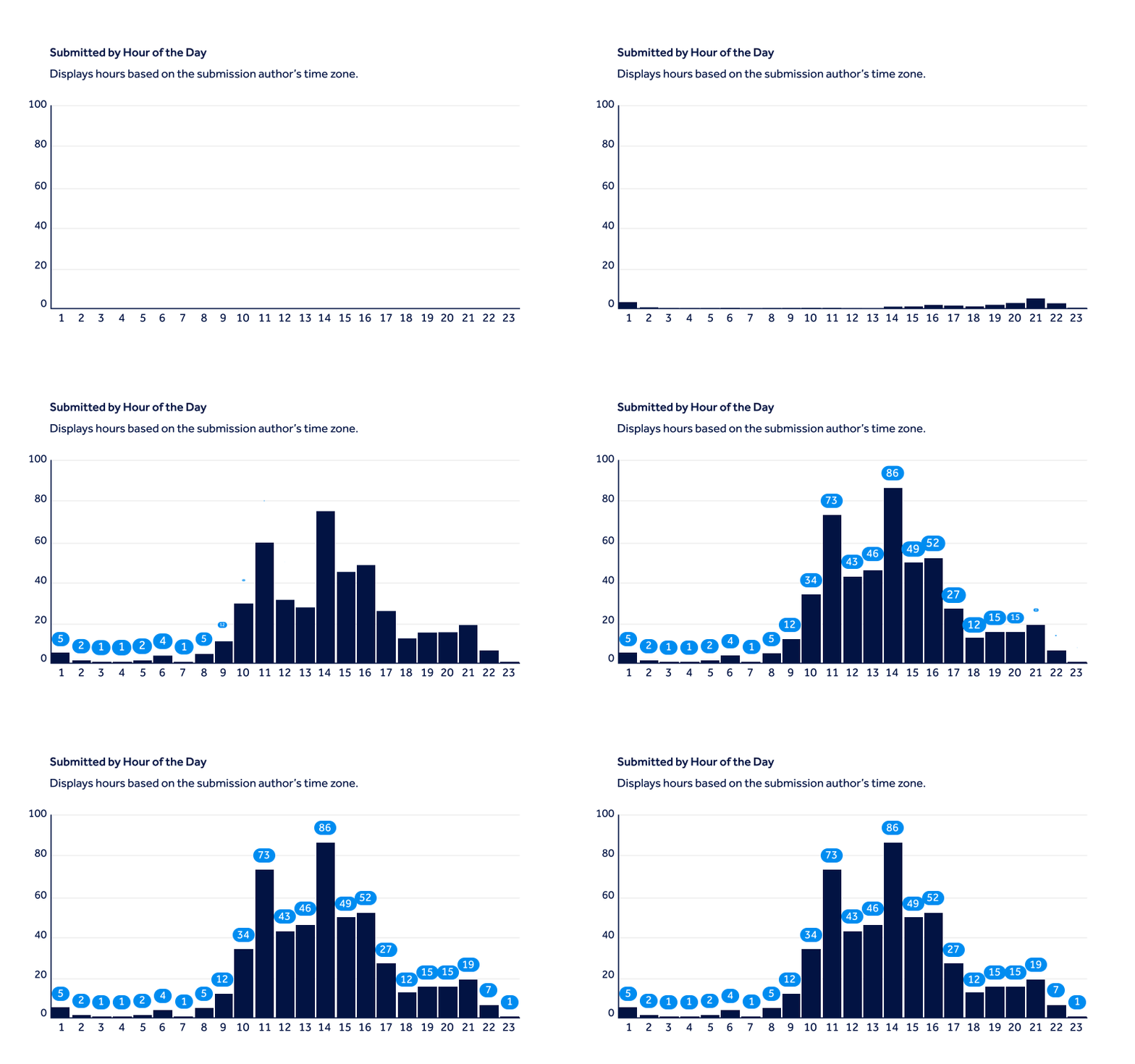
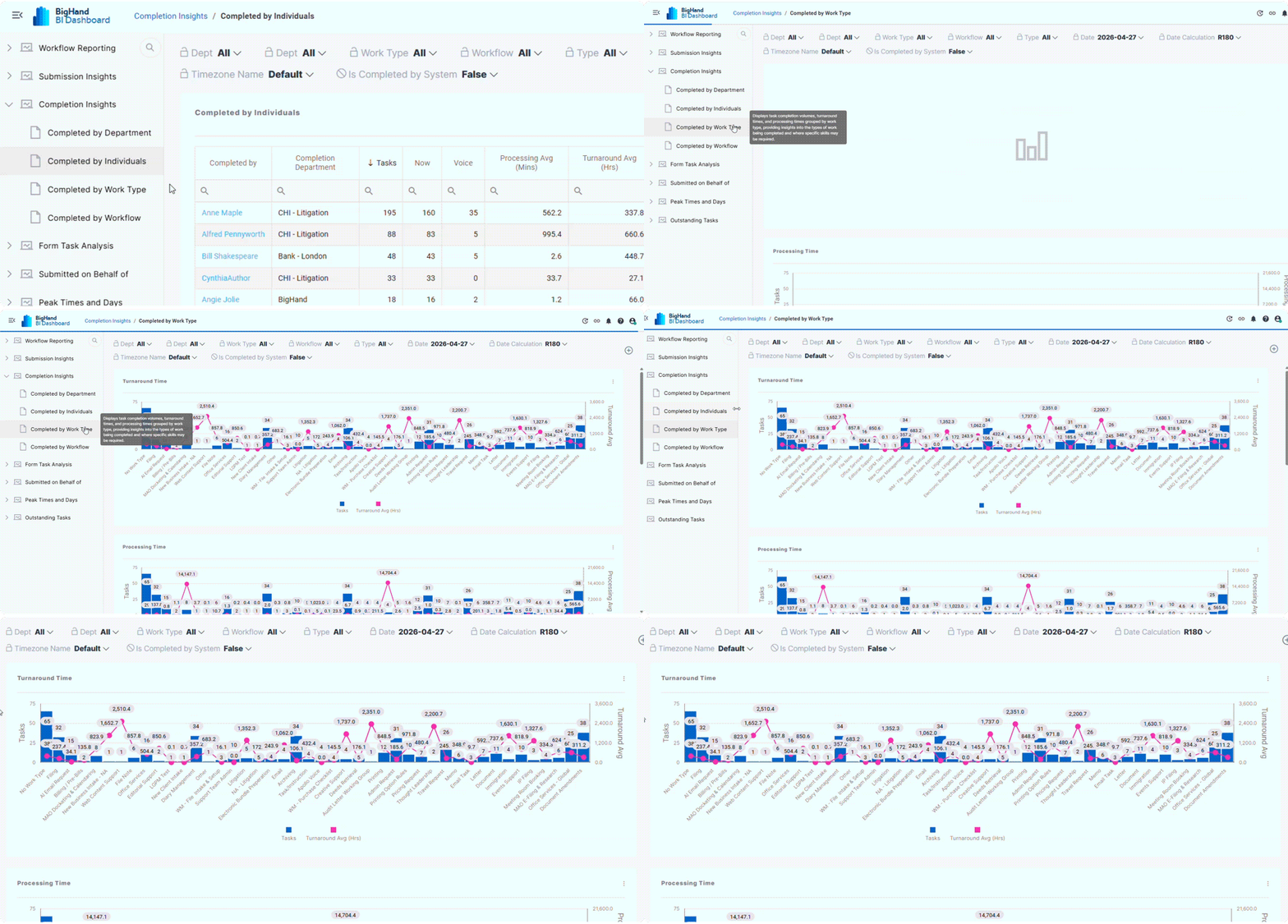
A: With Workflow Management, you have access to comprehensive data to help you make informed decisions about resourcing and productivity across your firm:-
A: Yes! You can read case studies from customers of all shapes and sizes here.


© 2026 BigHand. All Rights Reserved. Various trademarks held by their respective owners.